How video pricing works
What sets a clip's price, and where you see it before you pay.
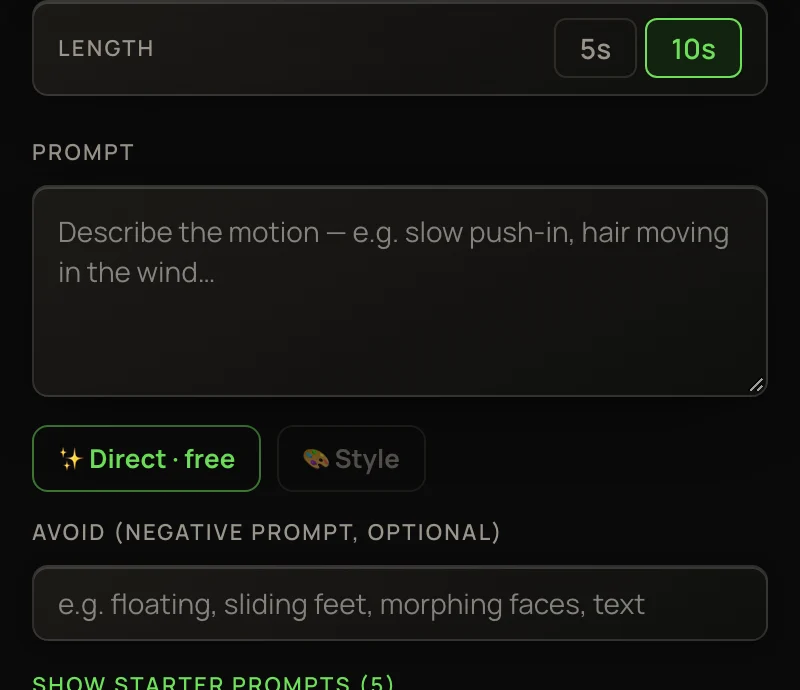
Every video model has a base price for a standard clip. Your choices — length, resolution, versions — scale it, and the button shows the exact total before you click.
- Where you see it
- On the Generate video button, and on each Flow box’s ▶ Run button
- When you pay
- When you click — a failed run is refunded in full
- Video from
- 38 credits a clip
If you can’t afford a run — or it would use half your balance, or leave you under 50 credits — a note under the button says so, with a Top up → link.
What sets the price
Auto
On Auto, the button reads cost varies. In fact Auto always runs Kling 2.5 Turbo Pro and charges its price for the length you pick. Pick Kling 2.5 Turbo Pro yourself to see the exact number before you run.
Tools priced per second
Clip tools and the Talk lane show a rate per second in the picker, like cr / sec. The charge uses the real length, read from the file:
Clip tools also carry a standing discount: the picker shows the regular price struck through. More in Clip tools and Making characters talk.
In Flow
Each Animate box shows its own price on its ▶ Run button, plus + 9 ✨ when ✨ Direct wrote its prompt. ▶ Run all shows an estimate for everything left to run. See Flow nodes explained.
When you don’t pay
A failed run is refunded in full, automatically. A run still waiting in line can be cancelled with Cancel · refund. And if things are so busy that a video can’t start within 15 minutes, it’s dropped and refunded. More in Refunds for failed or cancelled runs.