Which model, and what do I type into it?
Every model is great at something and so-so at something else. These guides say which is which, show what each one really makes, and give you prompts that work, one click from the Studio.

![FLUX.1 [dev] result](/learn/compare/lh-fluxdev.jpg)
14 AI image generators, one prompt: side-by-side results
We gave 14 image models the same prompt and kept the first result from each. Here is what every one of them made, what it costs, and which ones can spell.
See every result →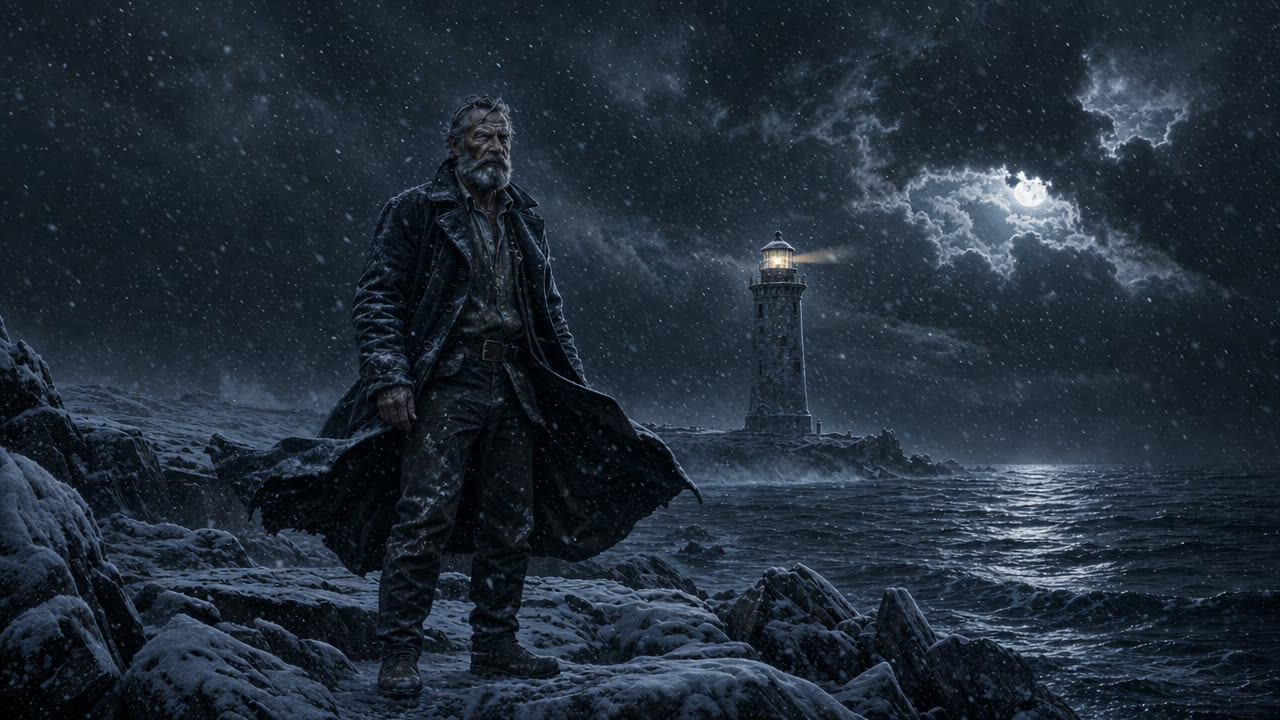
AI photo and video editors compared: same edit, different tools
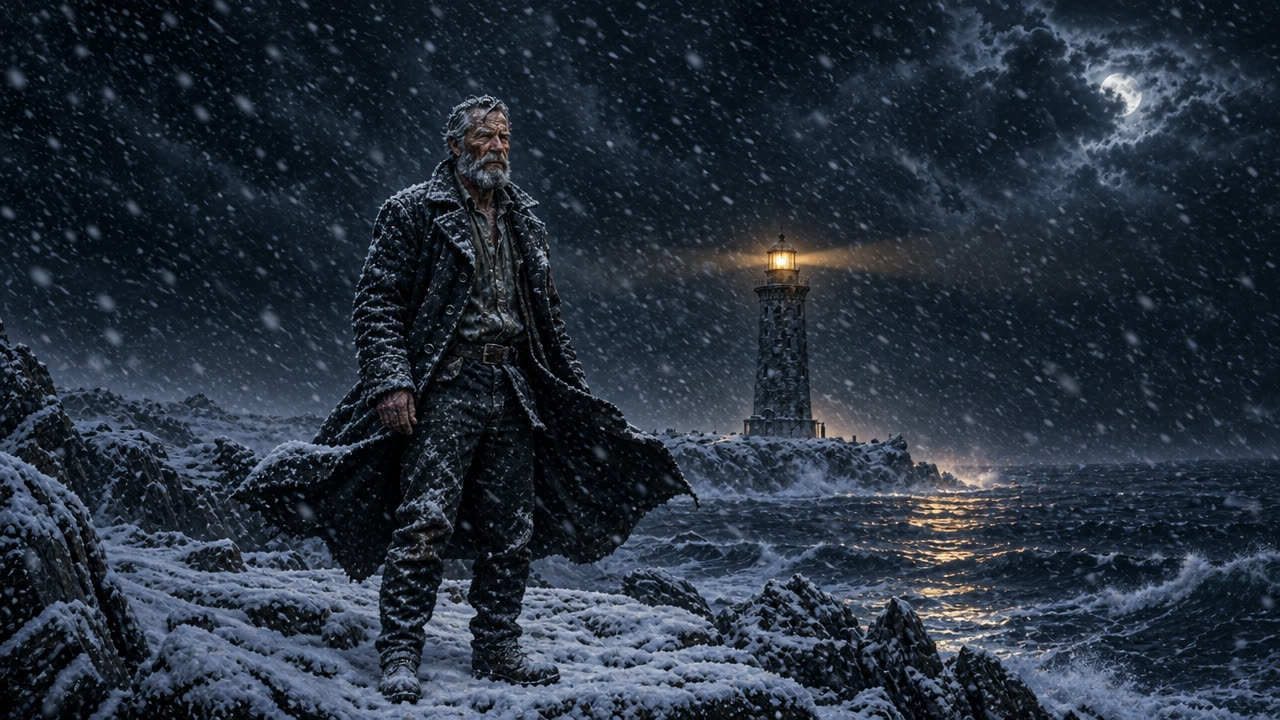
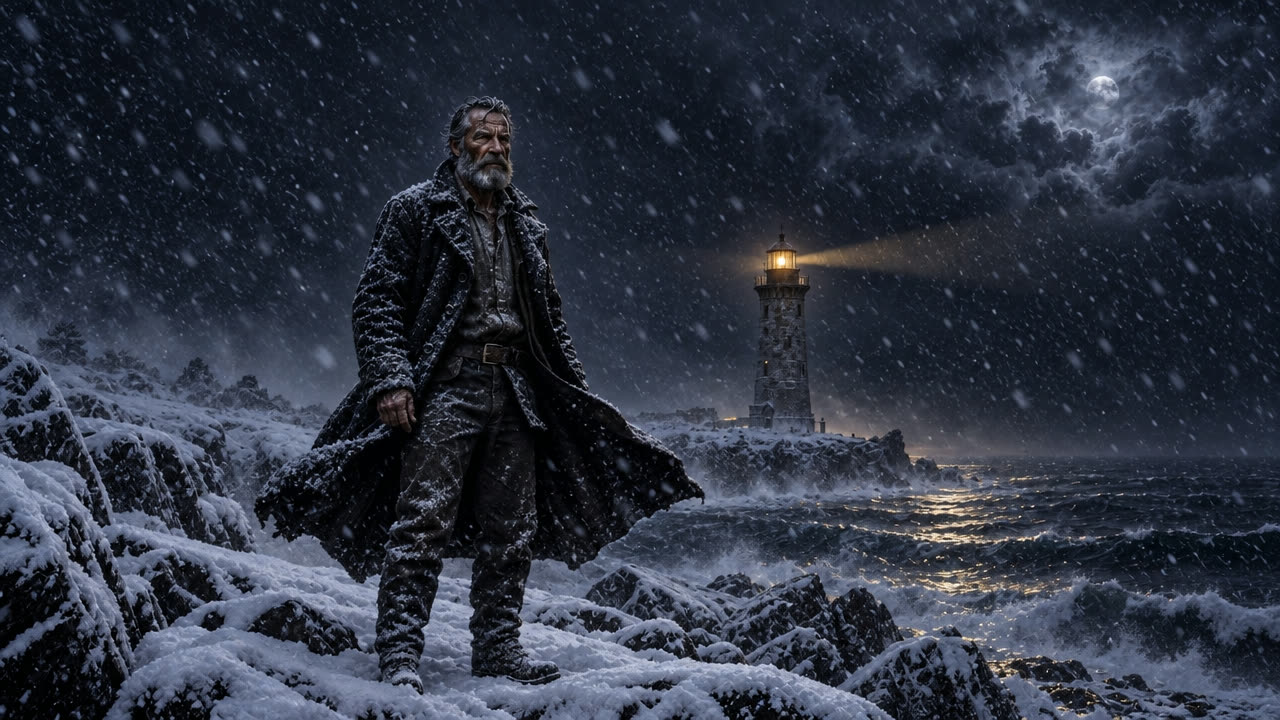
Four AI photo editors turned the same picture into a snowy night, and three video editors tried to recolor the same cartoon robot. One of them melted it.
See every result →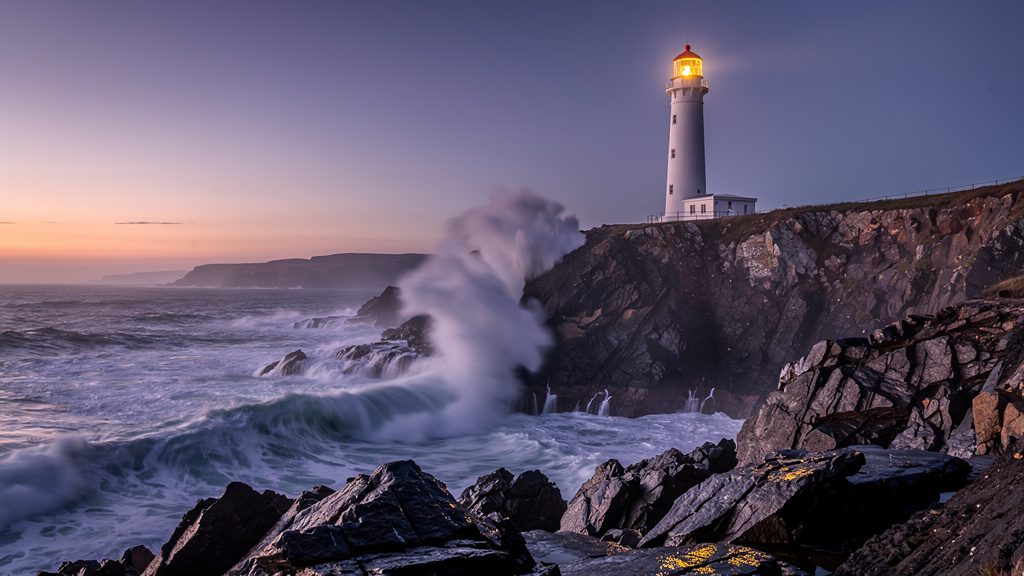

FLUX 2 Pro vs Nano Banana 2: which image model to pick
Both are top-tier image models and they are good at almost opposite things. FLUX 2 Pro is cheaper and more stylish; Nano Banana 2 is the one that can read and write.
See who wins each job →Nano Banana 2: text, structure and style transfer
Google's Nano Banana 2 is the model to reach for when the picture has to contain readable text or hold a rigid layout — infographics, manga pages, storyboards, thumbnails.
Made with Nano Banana 2: “A product photo of a ceramic coffee cup and saucer on a café table by a window, morning light, using the @solorender_brand colours”
FLUX 2 Pro: multi-reference editing and stylised looks
FLUX 2 Pro takes up to eight reference images at once, holds faces and products faithfully, and is one of the cheapest strong models in solorender — which makes it a sensible default for most image work.
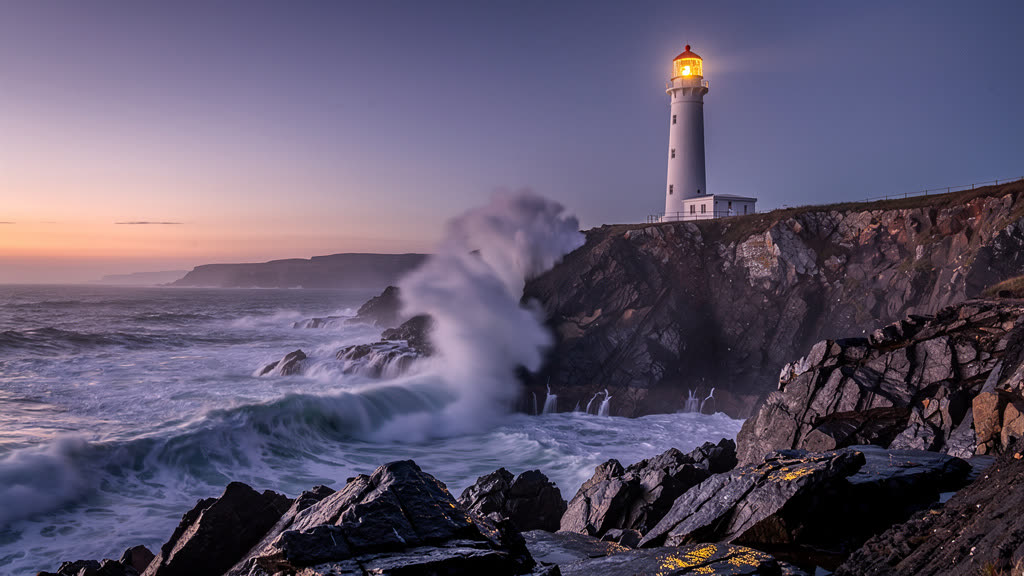
Made with FLUX 2 Pro: “A lighthouse on a rocky coast at dusk, waves breaking, warm light glowing in the lamp room, photographic”

Ideogram Character: the same face in any scene
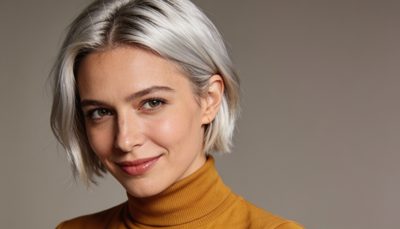
Ideogram Character takes one photo of a person and puts them in new scenes, poses and art styles without changing their face — the most reliable likeness tool in solorender.
Made with Ideogram Character: “The woman in a western movie.”

Veo 3.1: dialogue and sound in one generation
Veo 3.1 generates the picture and the audio together — spoken dialogue, room tone and score — so a scene with a line of speech in it comes out finished in a single run.
Made with Veo 3.1 Fast: “a fingertip taps the top of the product twice, then the product spins slowly in place on its base like it sits on a turntable — it stays standing upright the whole time and never tips over or lies down — with clean tapping sounds. The product keeps its exact shape, label, glass, color, fill level and upright position the whole time. Slow, calm, satisfying, the camera stays close and steady.”

Kling v3: multi-shot scenes and performed dialogue
Kling v3 will cut between shots inside a single clip, hold fast and complex motion together, and perform quoted dialogue with the emotion you describe.
Made with Kling v3 Turbo Pro: “An action-packed movie scene with multiple shots depicting the final standoff between two characters.”

Kling 2.5 Turbo Pro: the everyday clip
Kling 2.5 Turbo Pro is the value default for image-to-video in solorender: convincing physics, real camera control and steady static shots, at a fraction of what the flagship models cost.
Made with Kling 2.5 Turbo Pro: “Slow push-in on the perfume bottle as the green spotlight fades and autumn arrives: fallen leaves drift in, mist rolls across the stone, a carved pumpkin glows to life behind the bottle”
Prices and model availability in the app itself are always the latest word. See pricing.