✨ Direct for a picture edit
It looks at your picture and writes one clear change, plus what must stay the same. Free.
Open the Edit laneIn the Edit lane, and on Flow’s Edit box, ✨ Direct looks at your picture and turns a rough change into a clear instruction. It isn’t on Erase or Expand: those work from what you paint or the frame you drag.
New to it? Start with the overview:✨ Direct: Turn a rough idea into a full prompt.
What comes back
A short instruction: the one change, where it goes, and what must stay exactly as it is (usually faces, products, text and framing). For a change that touches the whole picture — weather, time of day, lighting — it says so strongly so the change shows everywhere.
Example: notes in, prompt out
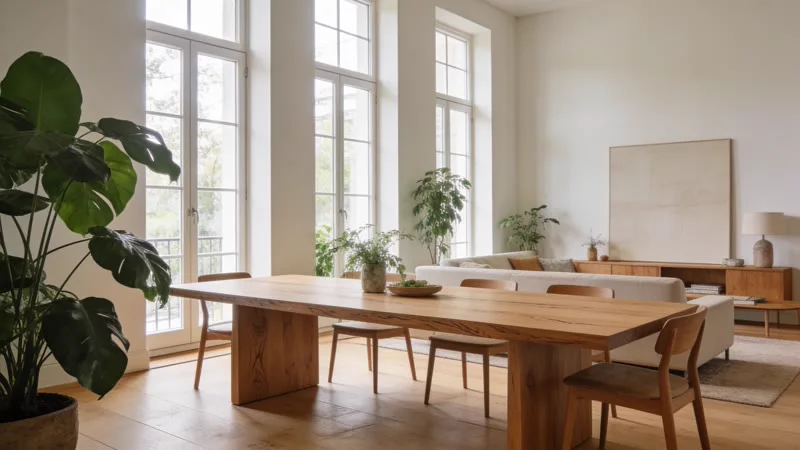
a giant octopus tentacle curling in through the window and resting on the table
Add a giant octopus tentacle curling in through the open tall window on the left, its thick, glossy, suction-cup-lined length stretching across the room and coiling to rest on the wooden dining table. Give it a muted reddish-purple tone, with soft daylight and a subtle shadow on the tabletop. Keep everything else exactly as it is, including the furniture, plants, bowl, room lighting and framing.
An edit comes back short on purpose: the one change, placed where it fits this picture (the open window on the left), and a list of what must stay exactly as it is.