Video last frame extractor
Grab the last frame of any clip in one click and start the next clip from it, so shots join up into one smooth scene. Free.
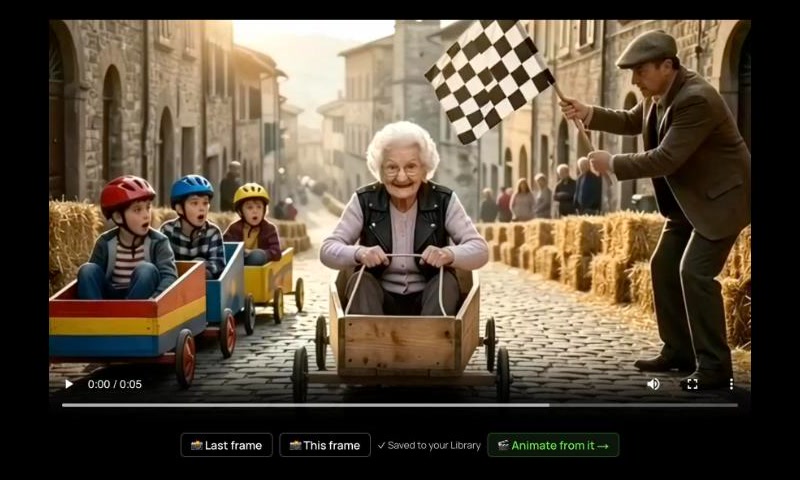
The Last frame and This frame buttons under a clip, after a frame was saved.
Long AI scenes are made clip by clip: the last picture of one clip becomes the first picture of the next, so the character, the place and the light carry on.
On solorender, every clip has a Last frame button and a This frame button. The picture is saved to your Library for free, and one more click starts the next clip from it.
How it works
- 1Open a clip from your Library, from a Studio result, or in Flow.
- 2Press Last frame, or pause where you like and press This frame.
- 3Press Animate from it, describe what happens next, and generate the next clip.
Models that do this
Questions
Does grabbing a frame cost credits?
No. The frame is taken in your browser and saved to your Library for free. You only pay when you generate the next clip.
Can I grab a frame from the middle of a clip?
Yes. Pause the clip where you want it and press This frame.
Does it work in Flow?
Yes. On a finished clip box, press Last frame, then Next clip from it: a picture box with the frame appears, already wired into a new Animate box.
Read more: Clip tools in the Help Center