AI product video generator
Turn one product photo into a finished ad: a 3-shot film with voiceover, a 360° spin, a storm test or a freeze-frame spotlight. Price shown up front.
A preview of the Product ad (3 shots) recipe.
Upload one photo of your product and pick what kind of video you want. solorender stages the product in new scenes, animates them, adds a voiceover where the recipe has one, and joins everything into one film.
The product stays true to your photo in every shot, so the result can go straight onto a product page or a social feed.
How it works
- 1Pick a recipe below, such as a 3-shot ad, a spin or a storm test.
- 2Upload your product photo and, if the recipe asks, a line of script.
- 3Press Go. The finished video lands in your Library.
Recipes that do this
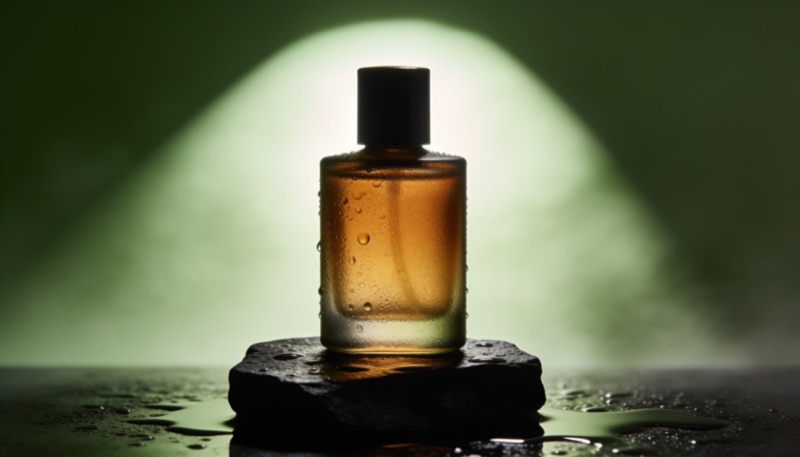
Your product, starring in its own ad
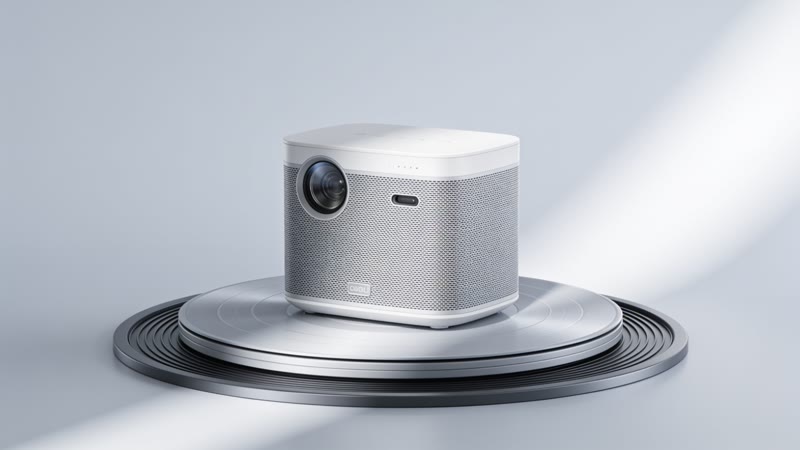
A clean 360° spin, studio-ready
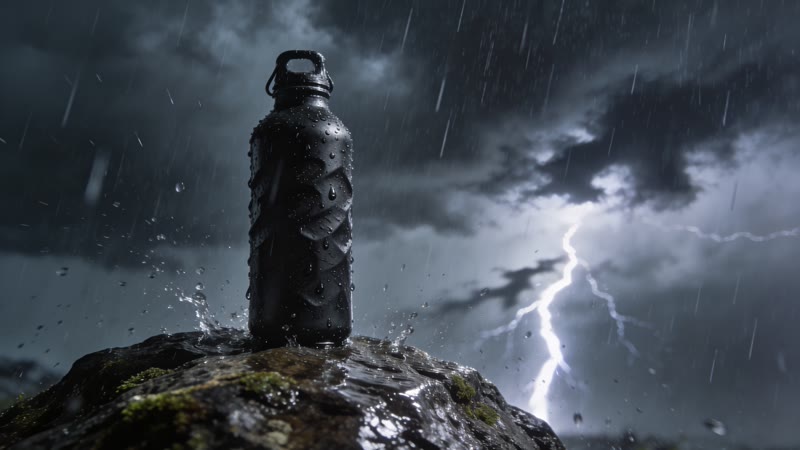
Your product survives a storm and still looks perfect

Time stops. Your product steals the scene.
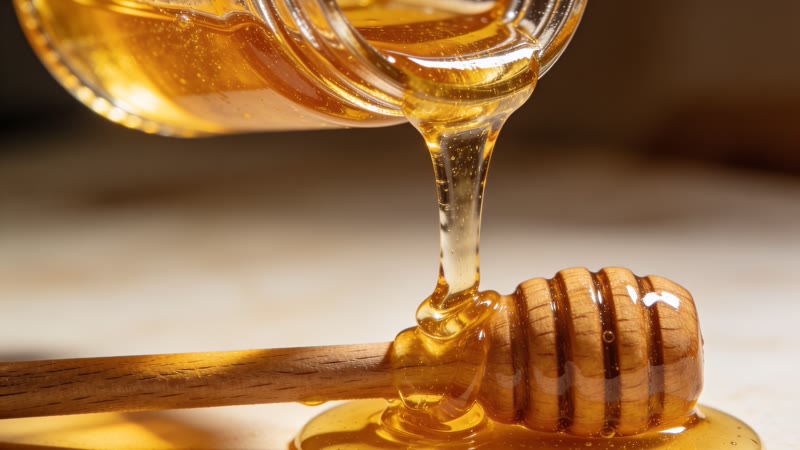
The oddly satisfying close-up everyone stops for
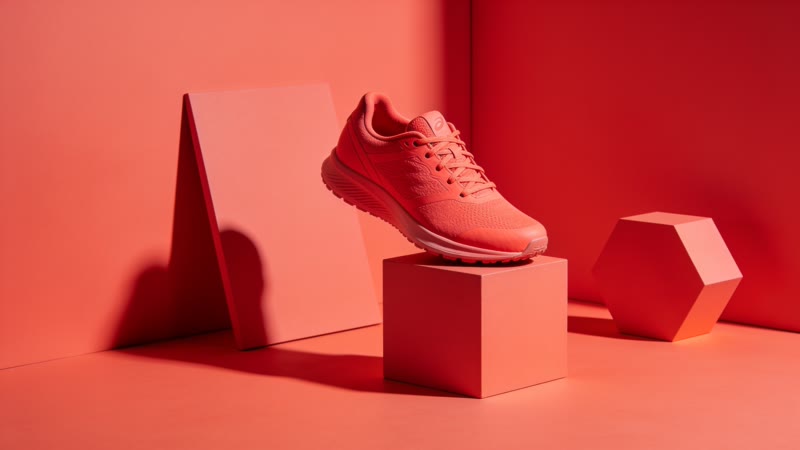
A launch film in your product's own color

Your product's story, told like a storybook

Show how cheap it really is, in clay
Questions
Do I need video footage of my product?
No. One clear photo is enough. The recipe makes the scenes and the motion from it.
How much does a product video cost?
Each recipe shows its price before you run it, and every step's price is on the button. If a step fails, its credits come back automatically.
Can I change a shot I don't like?
Yes. Open the result in Flow, change that one step, and run only that step again.
Read more: Kling 2.5 Turbo Pro guide · Make something with the Recipes page