How to keep the same character in every shot
Meet Pembrook, a felt-and-clay fox. Save a character, his microphone and his studio once, then use them in any shot just by writing their names in the prompt.
Watch it done
Also on YouTube: watch it there.
What the video shows
- 1Make your character. One prompt on Nano Banana 2: a friendly cartoon fox mascot with teal glasses, a mustard hoodie and a big grin.
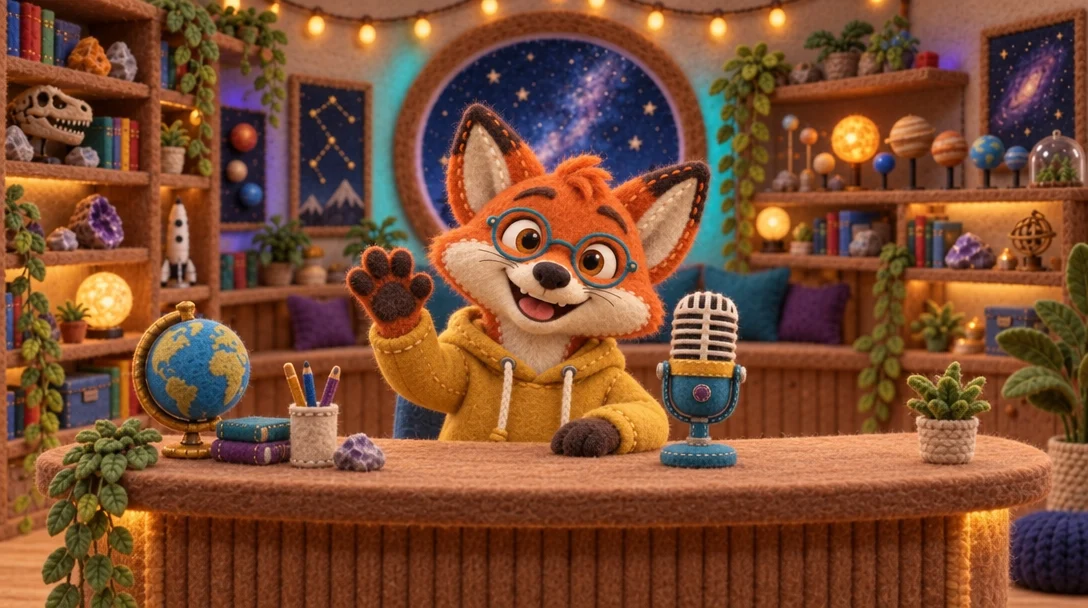
- 2Pick the look first. He's redrawn in felt with the Style button (Felt and Clay), then turned three-quarters and shown full body, so there are three pictures of the same felt fox.
- 3Save him as a character. In the Library, pick his three pictures, press Make entity, name him pembrook and let ✨ Describe write his description.
- 4Save his microphone and his studio. The same way: the microphone as a Prop, the room as a Place.
- 5Make the film. One prompt names all three: “@pembrook waves behind the desk of @pembrook_studio, @studio_mic on the desk”. Then Kling 2.5 Turbo Pro animates the picture.
Why the look comes first
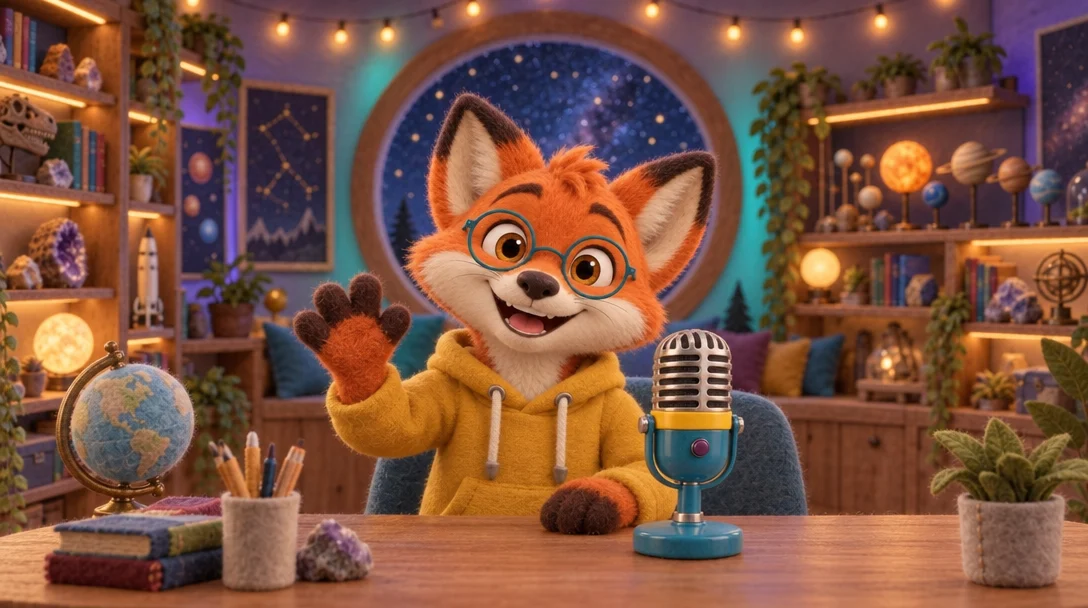
A character keeps the look of the pictures you saved. Save him smooth and he stays smooth; redraw him in felt first and he's felt in every shot.
Plain 3D pictures saved as @pembrook
Felt pictures saved as @pembrook
The full guide to characters, props, places and the other kinds of entity is in the Help Center: Entities: Start here.
Save your own character
Making and keeping entities is free. Using one costs only the model's normal price.
Open your Library →