AI photo and video editors compared: same edit, different tools
Four AI photo editors turned the same picture into a snowy night, and three video editors tried to recolor the same cartoon robot. One of them melted it.
Editing with words is the newest trick in AI tools: you give it a picture or a clip and type what to change. The question is whether it changes only that, or redraws everything.
Each tool below got the same input and the same instruction, once. These are the results it returned, with nothing retried.
Photo edit: turn it into a snowy winter night
The prompt
Make it a snowy winter night
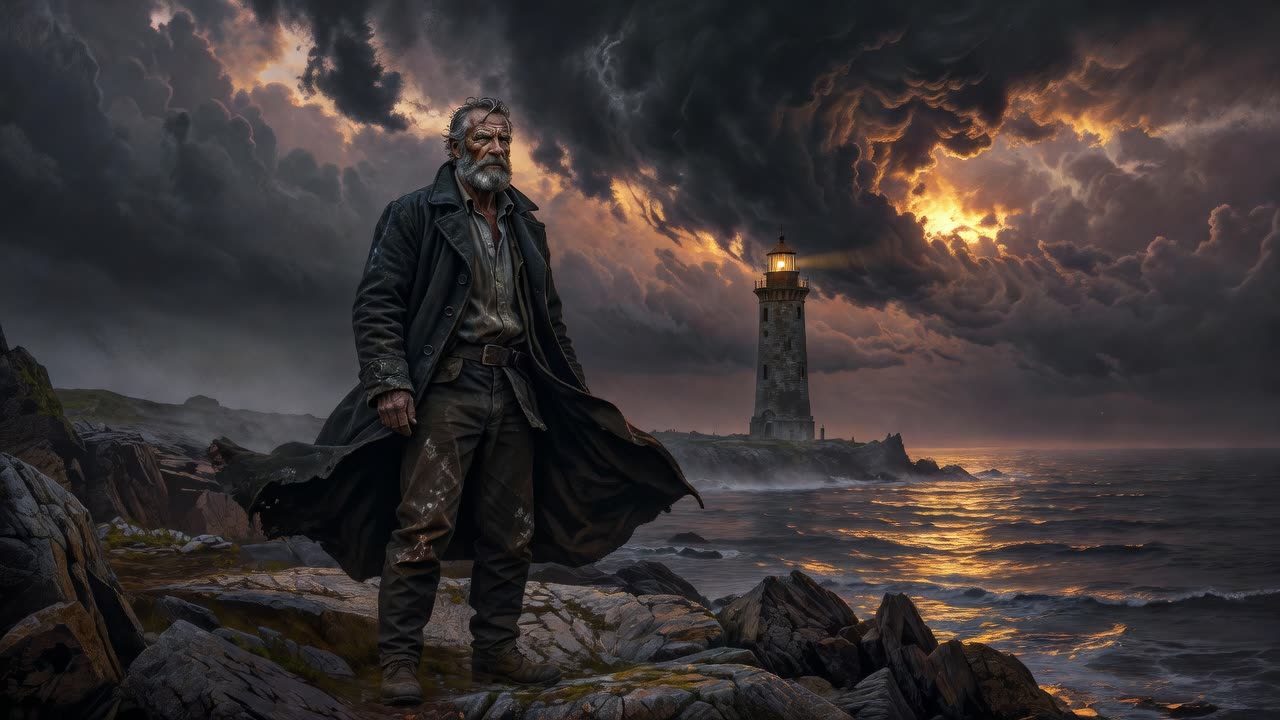
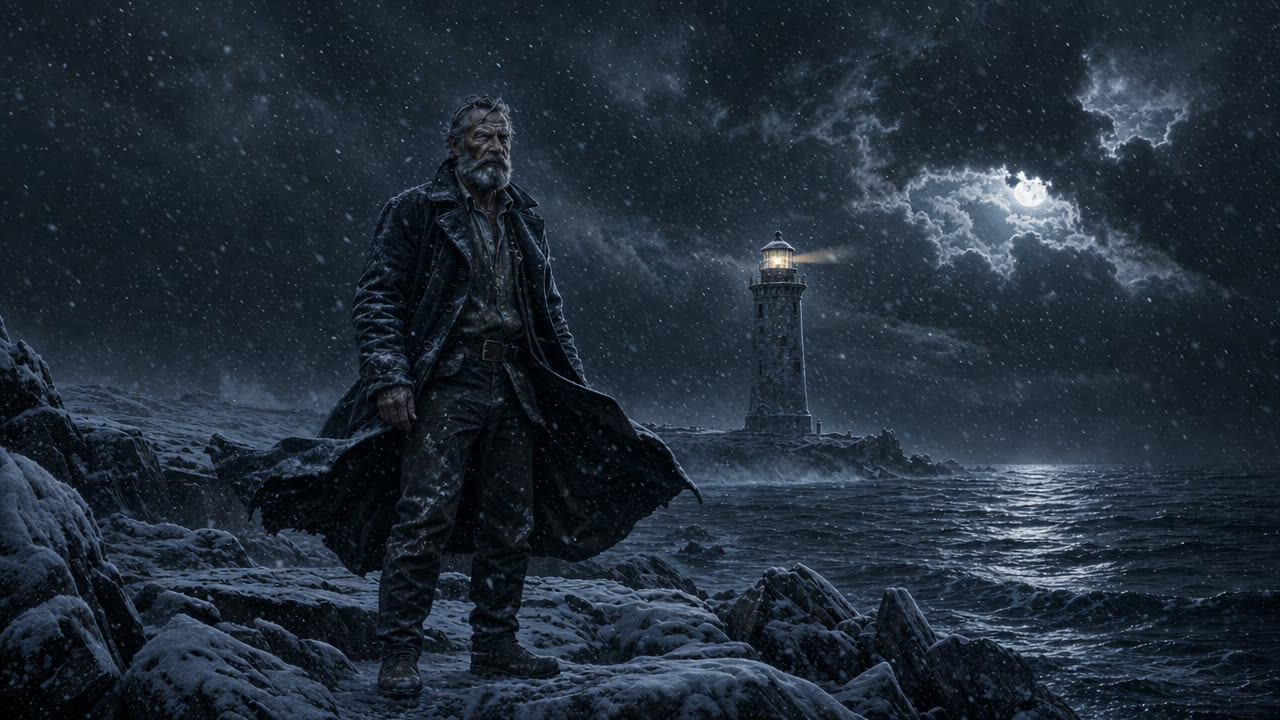
GPT Image 2 Edit
43 credits a pictureSnow on the rocks and in the air, a dark stormy sky. The keeper and the lighthouse stay in place.
Try GPT Image 2 Edit →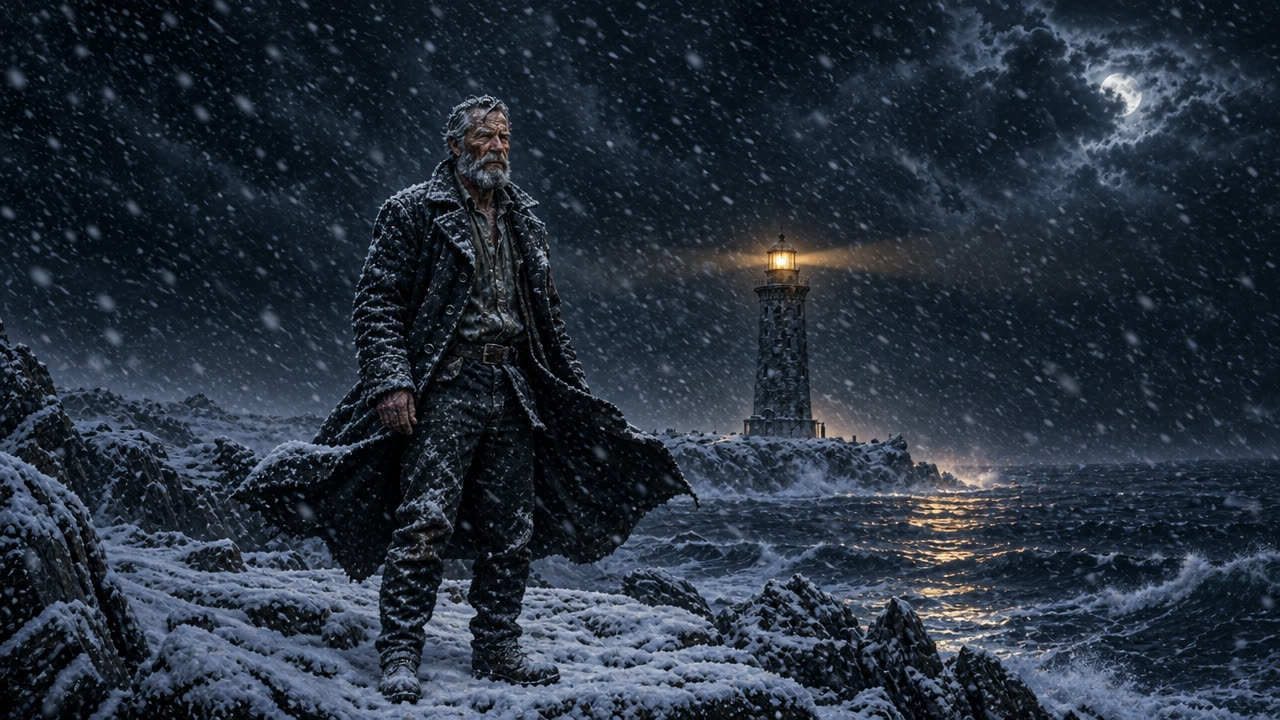
GPT Image 2.5 Flare Edit
11 credits a pictureHeavier snowfall and a lit lamp casting a warm path on the water. The keeper is unchanged.
Try GPT Image 2.5 Flare Edit →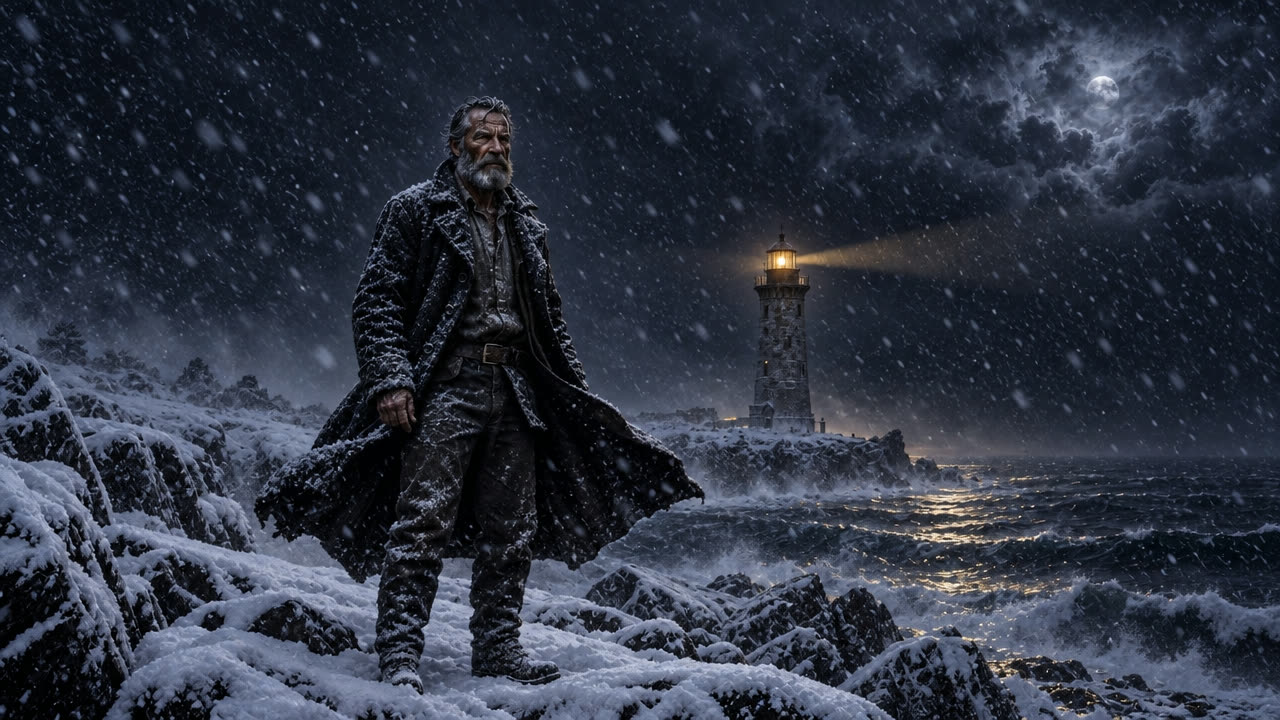
GPT Image 2.5 Sunburst Edit
11 credits a pictureAlmost the same result as Flare: thick snow, lamp lit, same pose and coat.
Try GPT Image 2.5 Sunburst Edit →
Meta Muse Edit
2 credits a pictureA bluer, clearer night with falling snow and a calm sea. The cheapest of the four.
Try Meta Muse Edit →What this test shows
All four kept the man, his coat and the lighthouse where they were and only changed the season and the light. That is what you want from an edit. The choice comes down to the mood you like and the price.
Video edit: make the robot blue
The prompt
Make the robot bright blue instead of orange. Keep everything else the same: the wave, the face, the background.
Kling O3 4K Edit
420 credits for 5 secDid exactly what was asked: the same flat cartoon robot, same cream background and wave, now blue. Delivered in 4K.
Try Kling O3 4K Edit →Lucy Edit Pro
150 credits for 5 secFailed on this clip. The cartoon melted into a glowing blue blob within the first second.
Try Lucy Edit Pro →Luma Modify
350 credits for 5 secMade it blue, but also redrew it as a 3D robot in a new room. Good for restyling, not for keeping a look.
Try Luma Modify →What this test shows
For a careful change to a clip, such as a color, an outfit or a prop, Kling O3 Edit was the only one that kept everything else. Luma Modify is better when you want a new look. Lucy Edit Pro struggled with a flat cartoon.
Questions
Can AI edit a video with a text prompt?
Yes. You upload or pick a clip, type the change, and the tool makes a new version. How faithful it is varies a lot by tool, as the robot test shows.
Which AI video editor keeps the original look?
In this test, Kling O3 Edit. It changed only the color and kept the cartoon style and background. Luma Modify restyled the whole clip.
Will an AI photo edit change the person in my picture?
Good editors keep people as they are. In the snow test, all four kept the keeper's face, pose and clothes. Check the result if likeness matters, and run it again if anything drifted.
Run these yourself
Every model on this page is live in solorender, on one set of credits that never expire.
See pricing →