Topaz Video Upscale: make a clip sharper at 1080p or 4K
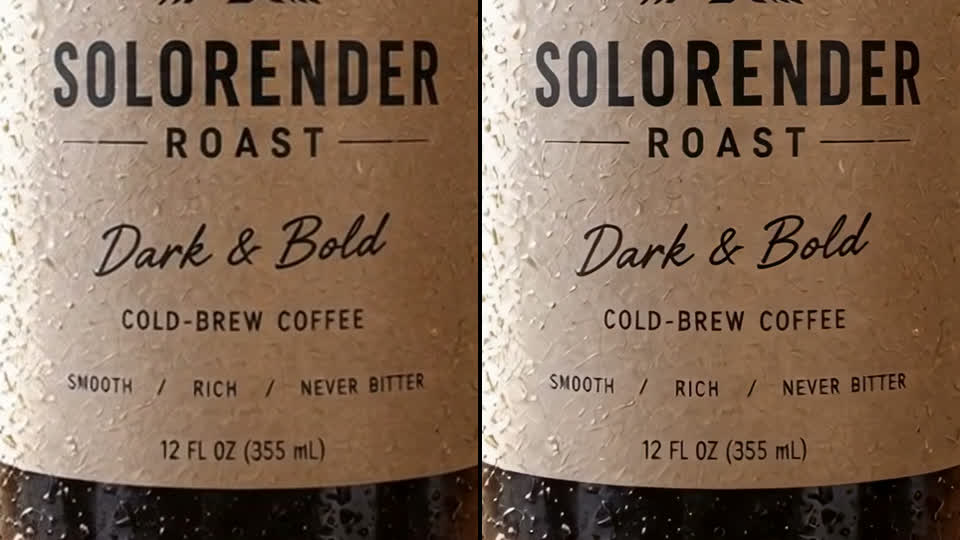
Topaz Video Upscale enlarges a finished clip to 1080p or 4K and keeps everything in it the same. A real 720p clip, before and after.
Real results
Made in solorender with these models. Nothing retouched.
Best for
- ✓Delivering a clip at 1080p or 4K when the model made it smaller
- ✓Keeping the clip exactly as it is: the frames, the sound and the length stay the same
- ✓Any finished clip: one you made here or one you upload
- ✓Quick runs. Ours came back in about a minute
Where it struggles
- —It sharpens what is there. It won't fix a clip that is blurry, warped or wrong
- —On a clean, sharp clip the difference is small. Look at the close up above before you pay for 4K
- —4K costs four times as much a second as 1080p
How to use it
Open Clip tools, pick Topaz Video Upscale, add your clip and choose 1080p or 4K. There is no prompt. The price is by the second of your clip.
Upscale last. Finish the edit first, then upscale only the clip you'll deliver, so you don't pay to sharpen shots you cut.
Questions
Does Topaz change my video?
No. In our run the frames, sound and length stayed the same. Only the size and sharpness changed.
How is it priced?
By the second of your clip. 4K costs four times as much as 1080p. The 1080p price is at the top of this page.
Can I upscale a picture instead?
Yes, with Crisp Upscale. It enlarges a picture without redrawing it.
Run these for real
Every model in this guide is live in solorender. Credits never expire.
Open Topaz Video Upscale →