Seedream 4.5, 4 and 5 Flash: everyday photoreal pictures
ByteDance's Seedream models are solorender's everyday photoreal pick: product shots, food, animals and cinematic scenes, at a low price per picture.
Real results
Made in solorender with these models. Nothing retouched.
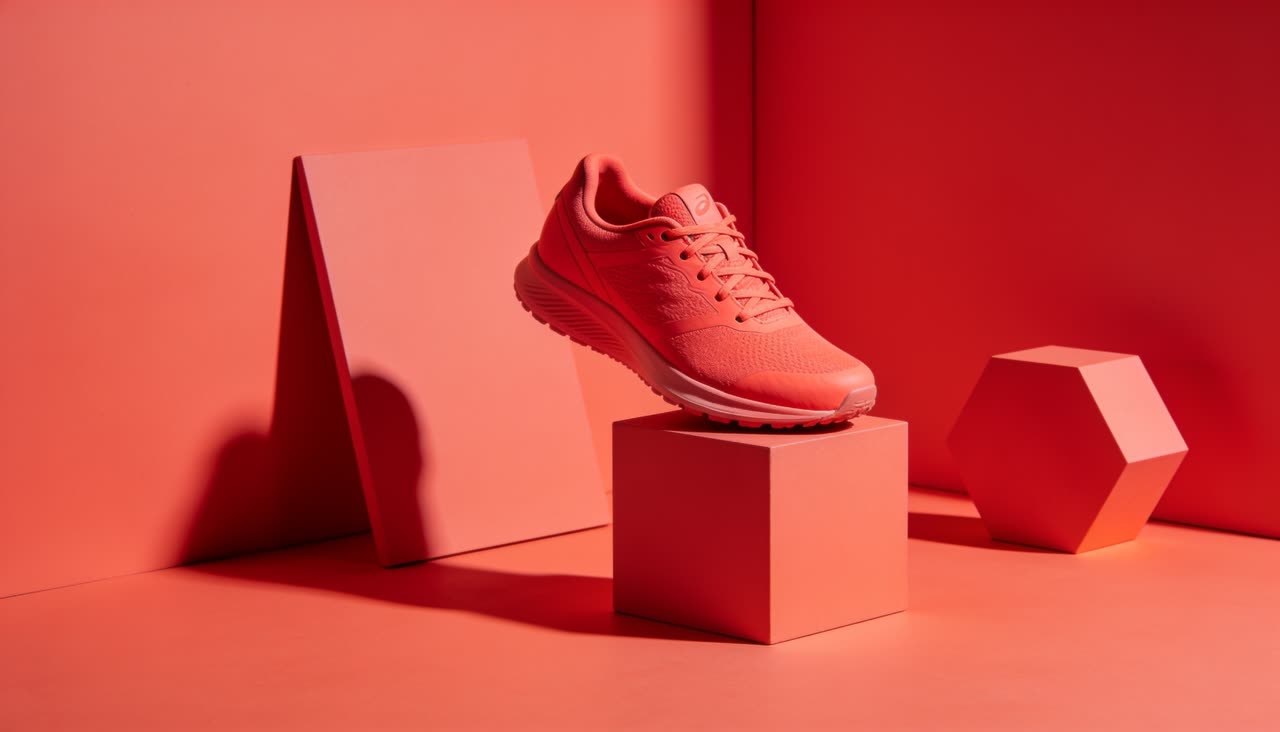
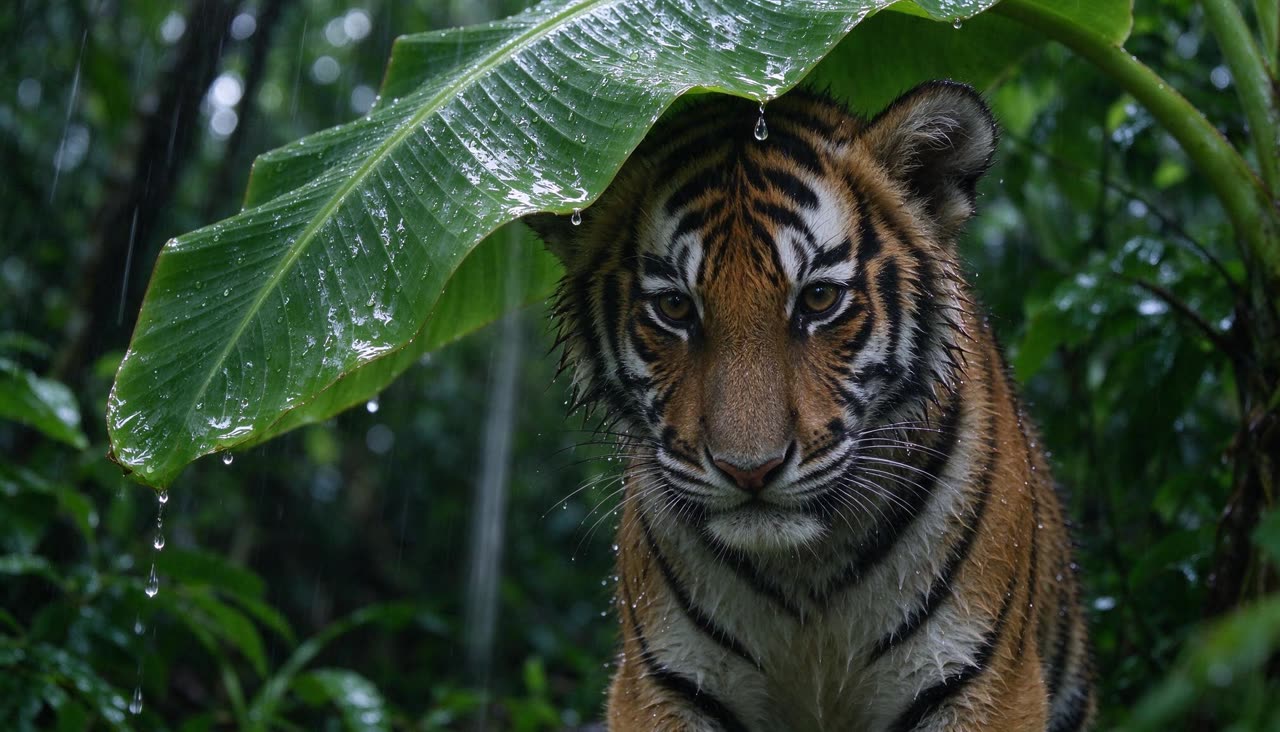
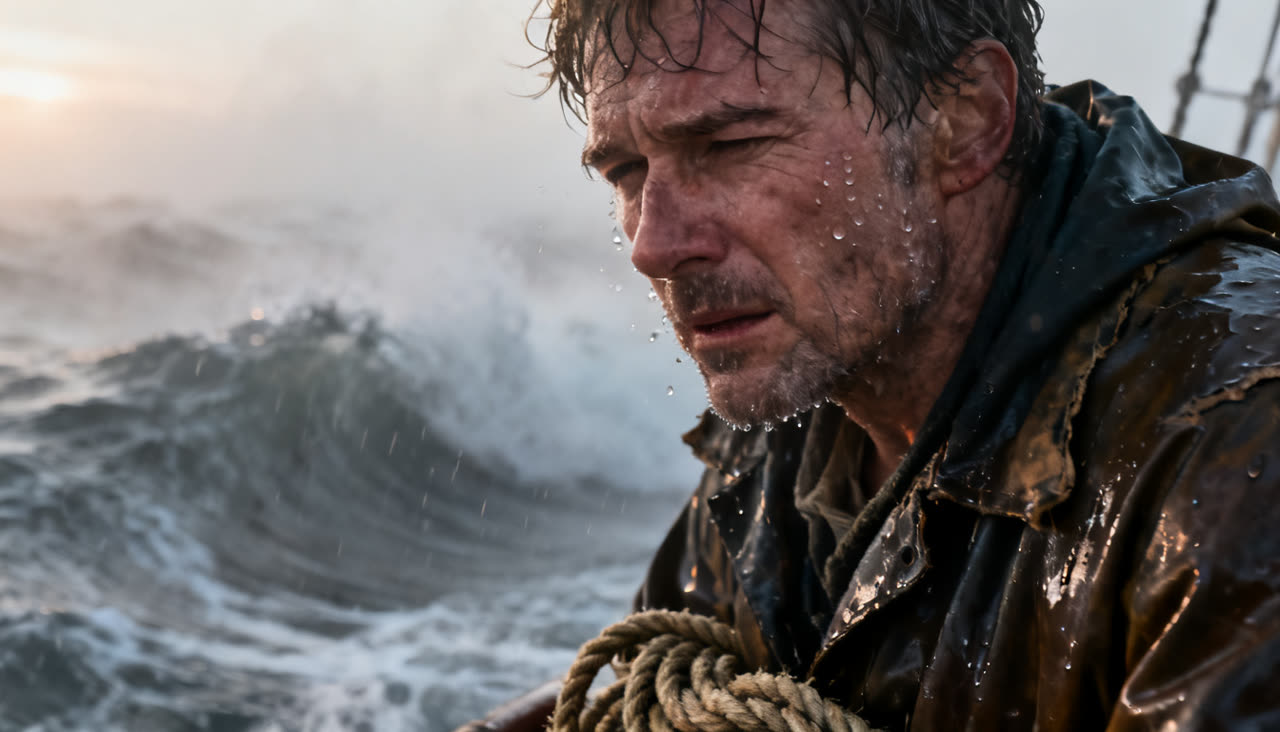
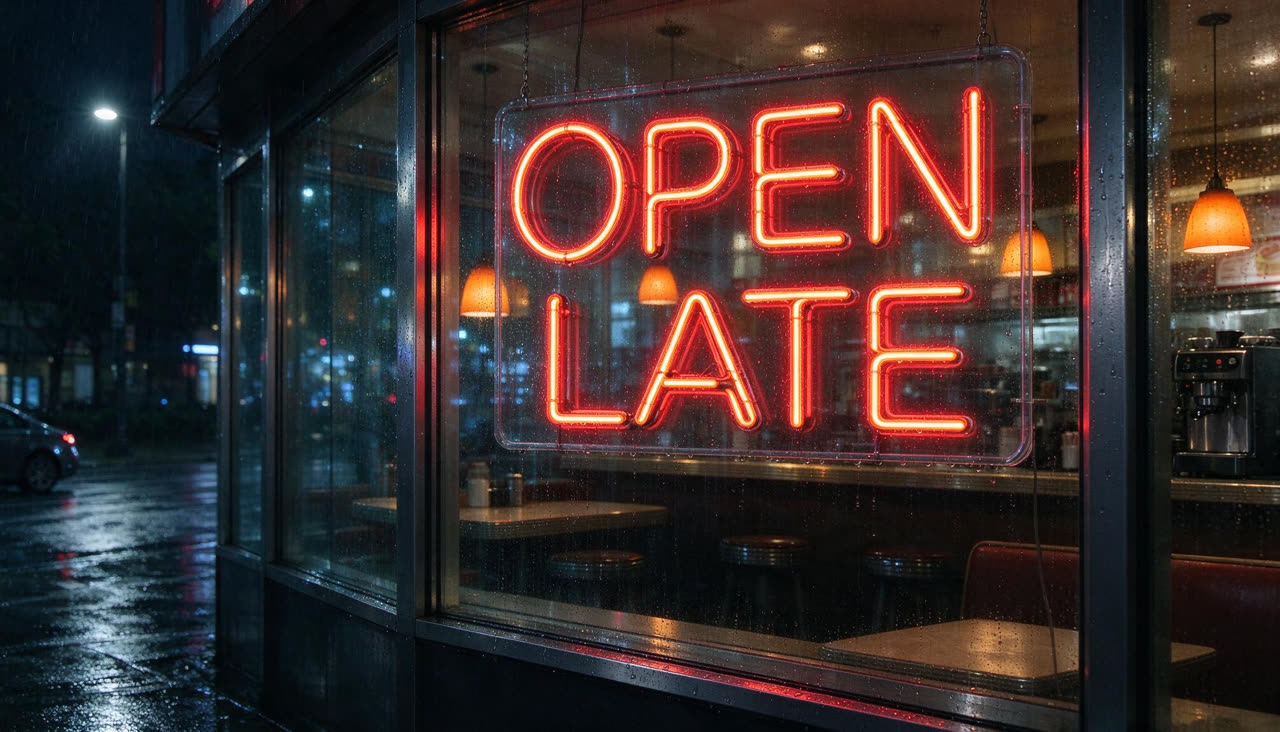
Best for
- ✓Product and lifestyle photos that look like a real shoot. Many of the card pictures on our Recipes page were made with Seedream 4.5
- ✓Flat graphic looks: Seedream 4.5 came out best of seven models on flat graphic styles in our own style test
- ✓Everyday pictures at a low price. Auto in the Image lane sends most prompts to Seedream 4
- ✓Seedream 5 Flash: a generation newer, at 2K, for less than 4.5
- ✓Short words in a scene. Seedream 5 Flash spelled a neon "OPEN LATE" sign right in our text test
Where it struggles
- —There is no Avoid box on Seedream, so describe what you want instead of what you don't
- —For a picture full of words, such as an infographic or a poster with several lines, use a model built for text such as Nano Banana 2 or GPT Image
- —It leans photoreal. For painterly, art-directed looks, Grok Imagine or a style from the Styles page will get you there faster
Prompts that work
Each one opens the studio with the prompt already in the box. They are also one click away inside the app, under the prompt field.
Hero product shot
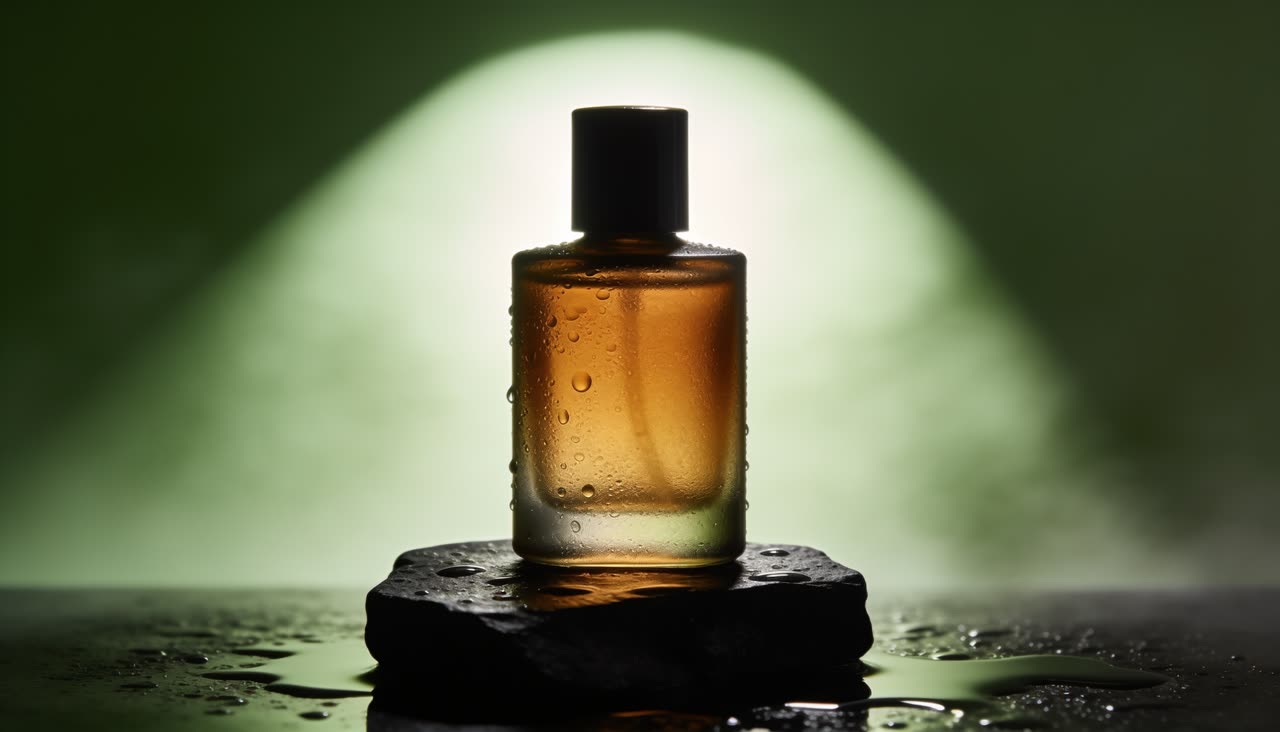
Try it →Premium product advertisement photo: a frosted amber glass perfume bottle standing on a wet black slate block, single hard rim light from behind, soft green-tinted haze, droplets on the glass, deep shadows, glossy commercial studio look, centered hero composition, no text, no logo
Name the light, the surface and the mood. "No text, no logo" keeps the bottle clean.
Action product photo
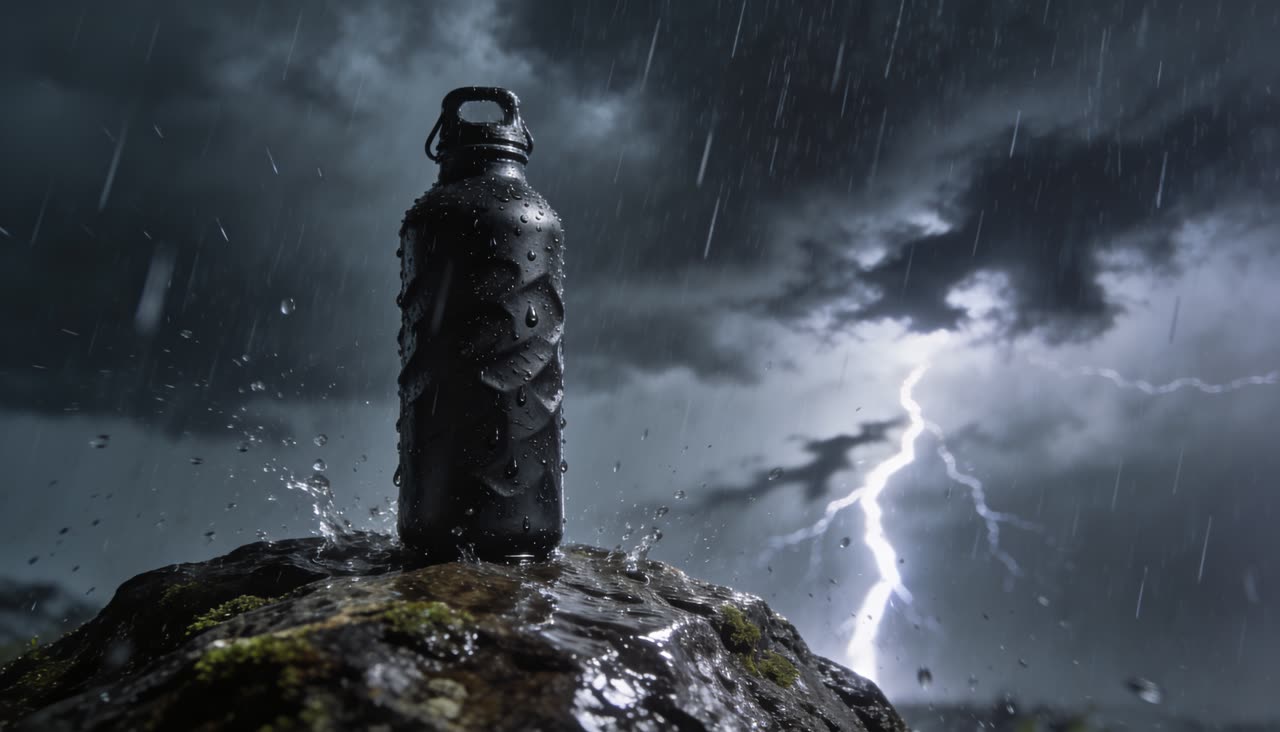
Try it →A rugged matte-black water bottle standing on a wet rock in a violent rainstorm, sheets of rain, lightning in the distance, dramatic action product photo, no text
Food macro
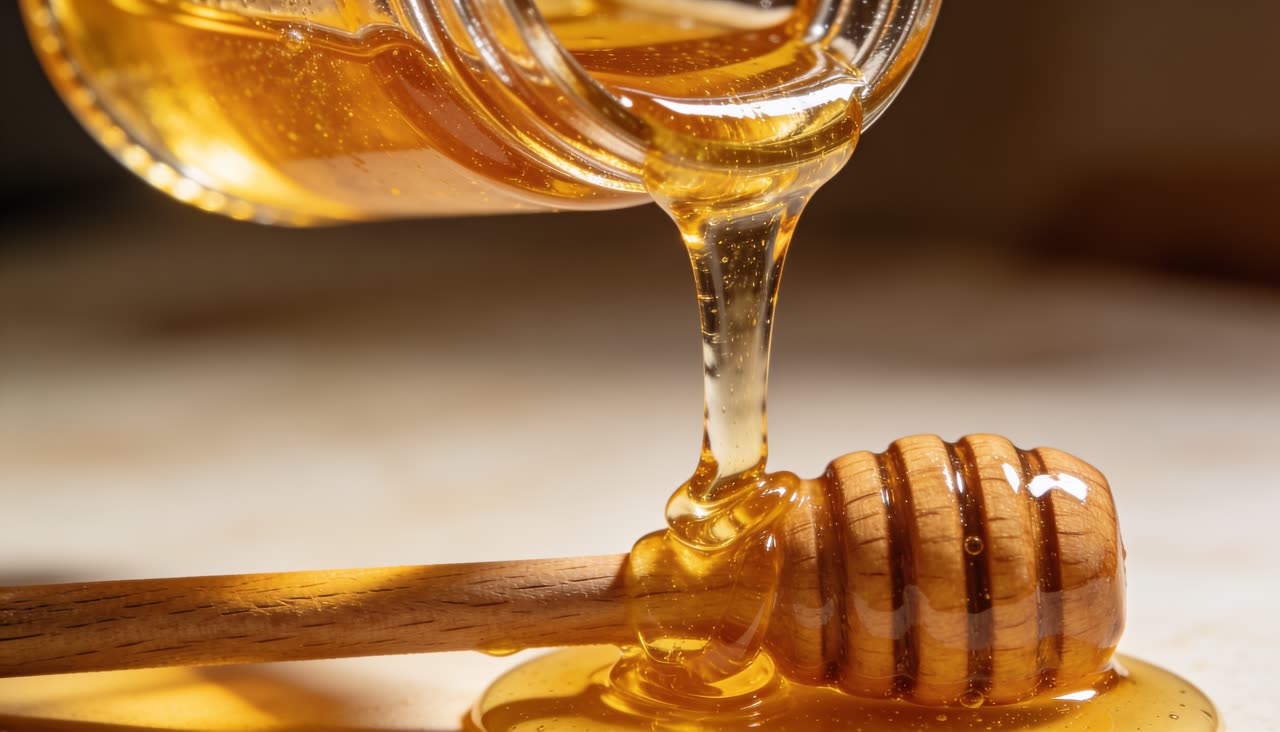
Try it →Extreme macro close-up of golden honey pouring slowly from a glass jar onto a wooden dipper, glowing backlight, glossy drips, satisfying food photo, no text
Color-matched set
Try it →A plain coral-red running shoe with no logo standing on a block in a studio where the floor, walls and a few geometric props are all painted the same coral red, bold launch lighting, minimal clean composition, absolutely no text, no letters, no words, no logos anywhere
Saying "no text" several ways helps when the scene invites a label.
Charming character
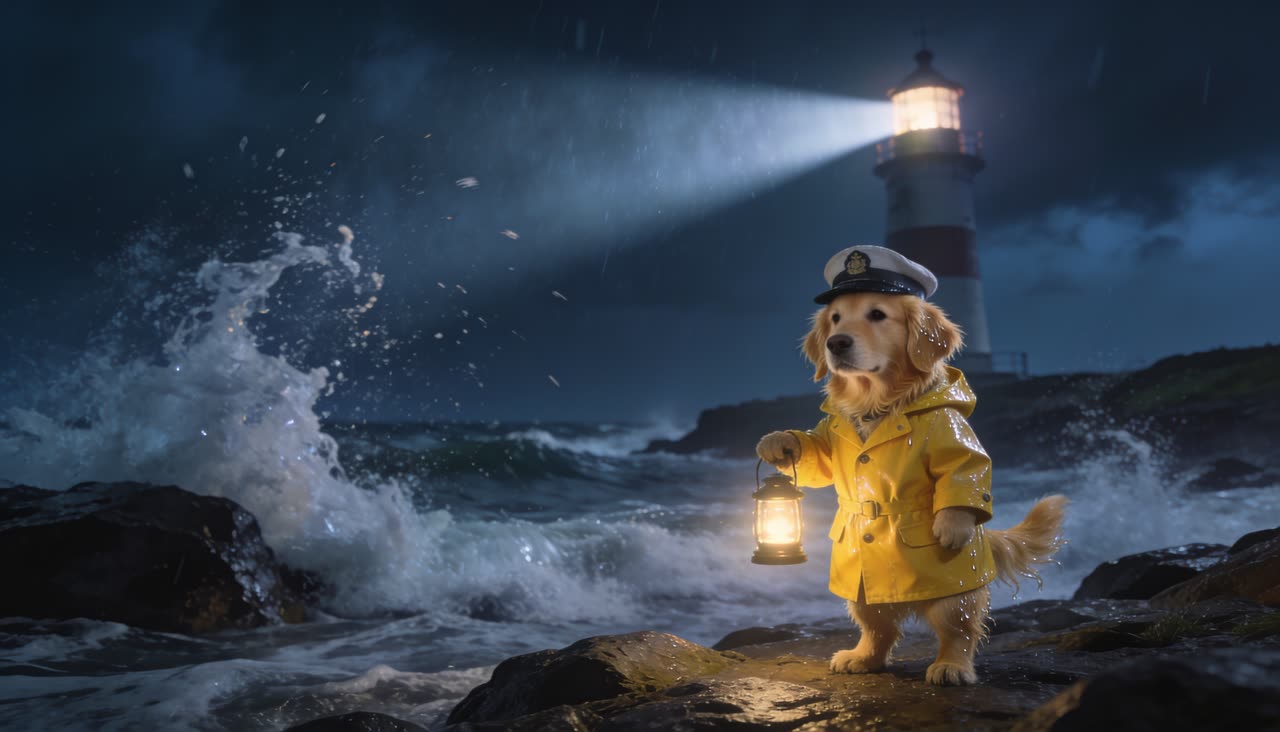
Try it →A golden retriever dressed as a lighthouse keeper in a tiny yellow oilskin coat holding a little lantern on a stormy coast at night, lighthouse beam behind, cinematic and charming, no text
Questions
What is the difference between Seedream 4, 4.5 and 5 Flash?
Seedream 4 is the everyday photoreal default. Seedream 4.5 is sharper. Seedream 5 Flash is the newest generation, makes 2K pictures and costs less than 4.5. The price of each is at the top of this page.
Can Seedream edit my own photo?
Yes. Seedream 4.5 Edit and Seedream 5 Flash Edit change objects, styles or backgrounds in a picture you upload, from a typed instruction.
Is Seedream good for product photos?
Yes. It is what we used for many of the product pictures on our own Recipes page, shown above.
Run these for real
Every model in this guide is live in solorender. Credits never expire.
Open Seedream 4.5 →