Grok Imagine and Grok Video: art-directed looks and the cheapest clips with sound
xAI's Grok Imagine makes painterly, cinematic pictures, and Grok Video 1.5 Lite is the lowest-priced way to animate one, with sound, in 5 to 15 seconds.
Real results
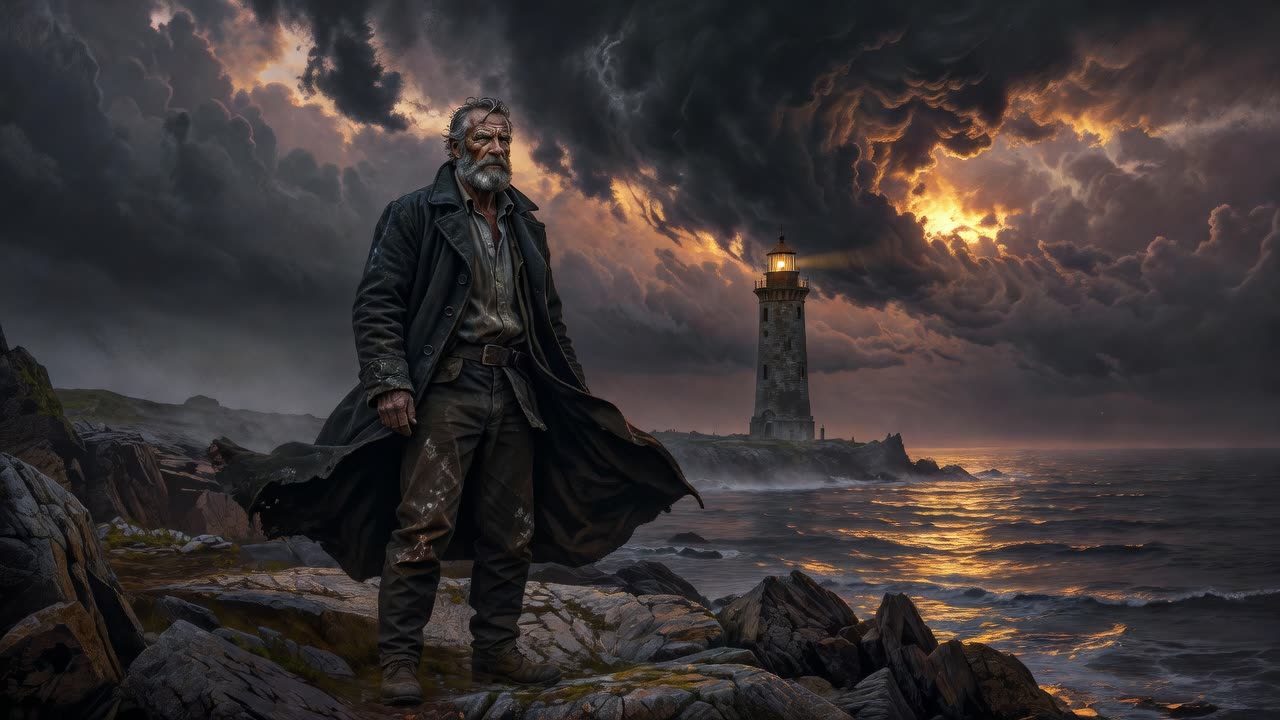
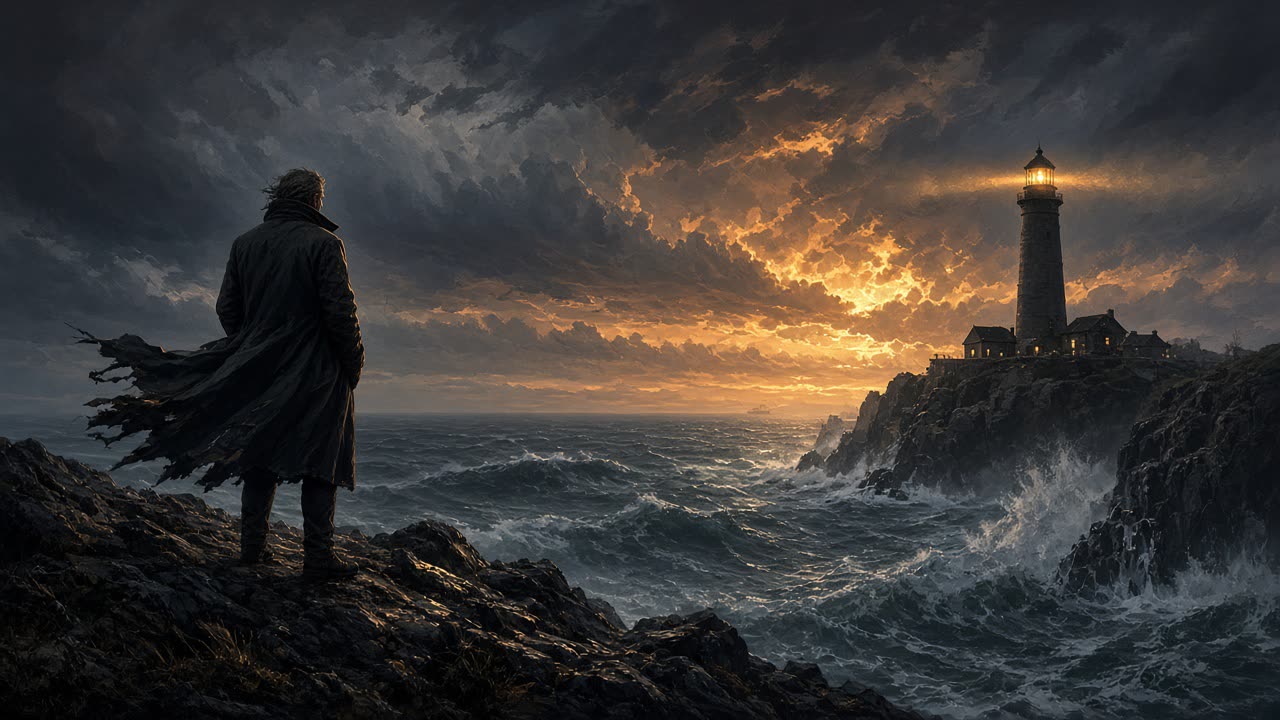
Made in solorender with these models. Nothing retouched.
Best for
- ✓Painterly, cinematic, heavily art-directed pictures: matte paintings, moody portraits, storybook scenes
- ✓Grok Imagine 2 for the same look at higher fidelity
- ✓Grok Video 1.5 Lite: the lowest-priced video in solorender, with sound, 5 to 15 seconds, up to 1080p
- ✓Gentle motion for a still picture. Our Living Picture recipe runs on it, and so do the moving previews on many recipe cards
- ✓Sound in the same run as the picture, with no separate audio step
Where it struggles
- —It leans painterly. For a straight, natural photo, Seedream or FLUX 2 Pro is the better start
- —In one of our two dialogue tests, Grok Video briefly printed the spoken line on screen as a subtitle. Run it again if that happens
- —Grok Video 1.5 Lite is the budget pick. For hero shots with dialogue, Veo 3.1 or Kling v3 are the stronger choices
Prompts that work
Each one opens the studio with the prompt already in the box. They are also one click away inside the app, under the prompt field.
Painterly portrait
Try it →Cinematic painterly portrait of a lighthouse keeper standing on a rocky shore at dusk, wind pulling at his long coat, storm clouds glowing amber over a dark sea, matte painting style, wide shot
"Matte painting style" and "wide shot" set the look and the framing.
A line of dialogue
Try it →The lighthouse keeper turns toward the sea and says quietly, "She's coming back tonight." Waves crash on the rocks below, wind howls.
For Grok Video. Put the spoken words in quotes and name the sounds you want.
Scene with sound
Try it →A street vendor in a rainy night market looks up from his stall and says warmly, "Last bowl of the night, friend." Rain patters on the canvas awning, a wok sizzles.
Product turn
Try it →The green apple slowly turns on the table, soft studio light, gentle camera push-in.
For Grok Video, from a product picture. Keep the motion small and say how the camera moves.
Questions
What is the cheapest AI video with sound?
In solorender, Grok Video 1.5 Lite. It makes 5 to 15-second clips with sound, up to 1080p. The price is at the top of this page.
Can Grok Video make a video from text only?
Yes. Pick the Text→video version in the Video lane and describe the scene. The clips come out widescreen.
Can Grok Imagine change the camera angle of a picture?
Yes. Grok Imagine Edit re-frames a shot, such as a close-up, a wide or a high angle, and keeps the character and the look.
Run these for real
Every model in this guide is live in solorender. Credits never expire.
Open Grok Imagine →