GPT Image: careful edits and words in your pictures
OpenAI's GPT Image models follow detailed instructions closely. In solorender they are the go-to for adding words to a picture and for edits that must leave everything else alone.
Real results
Made in solorender with these models. Nothing retouched.

Best for
- ✓Adding words to an existing picture: a title, a tagline or a sign. Our thumbnail, channel-intro and story-ad recipes use GPT Image 2 Edit for exactly this
- ✓Edits that change one thing and keep the rest. In our snow test, every GPT Image editor kept the person and the scene in place
- ✓Detailed, instruction-heavy prompts with several parts
- ✓GPT Image 2.5 Flare as the everyday choice, at a fraction of GPT Image 2's price
Where it struggles
- —GPT Image 2 and GPT Image 2 Edit are among the most expensive image models here. Try GPT Image 2.5 Flare first
- —Flare and Sunburst gave almost the same picture in our 14-model test, so compare one run of each before paying for both
- —Spell out where the words go and say "no other words", or it may add extra text
Prompts that work
Each one opens the studio with the prompt already in the box. They are also one click away inside the app, under the prompt field.
Add a title
Try it →Add the words "DESK ROBOT" in big, bold, rounded letters in the empty space below the mascot. Keep the mascot and the backdrop exactly the same. No other words.
For the edit models. Say where the words go, how they look, what must not change, and "no other words".
Add a tagline
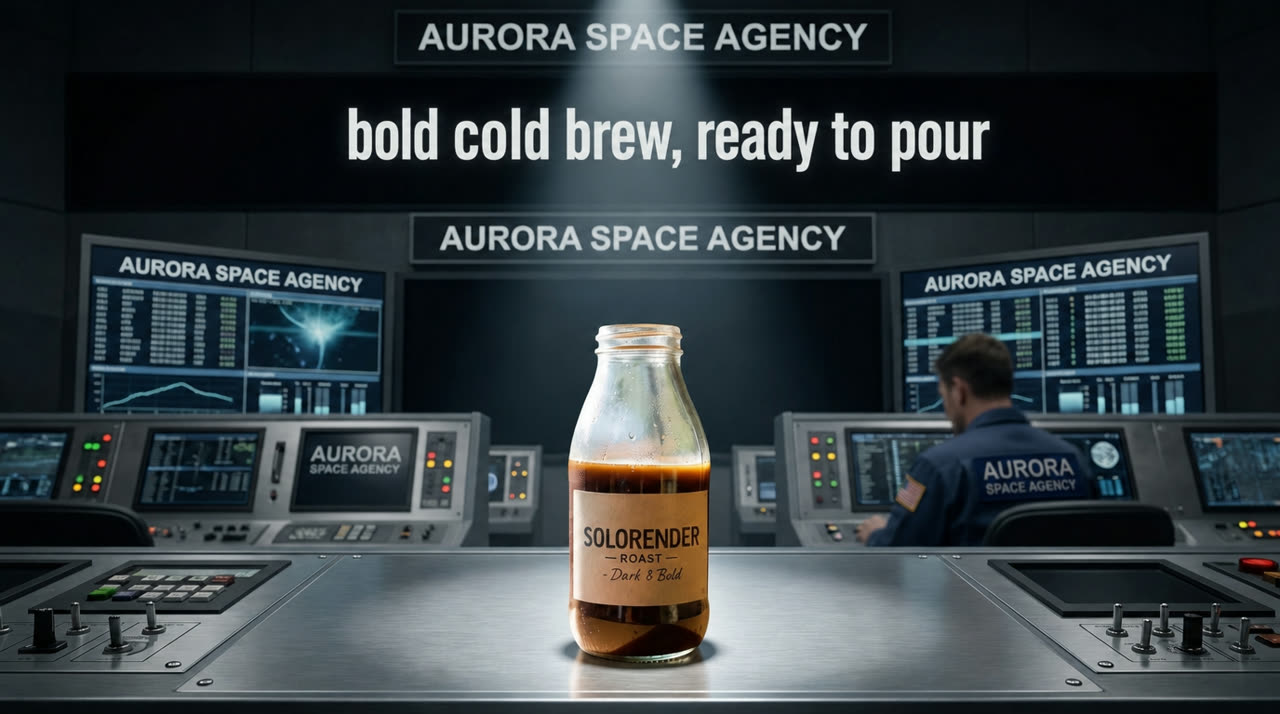
Try it →Add the words "bold cold brew, ready to pour" in clean bold white letters in the dark empty area above the product. Keep the product and the scene exactly the same. No other words.
Write on a sign
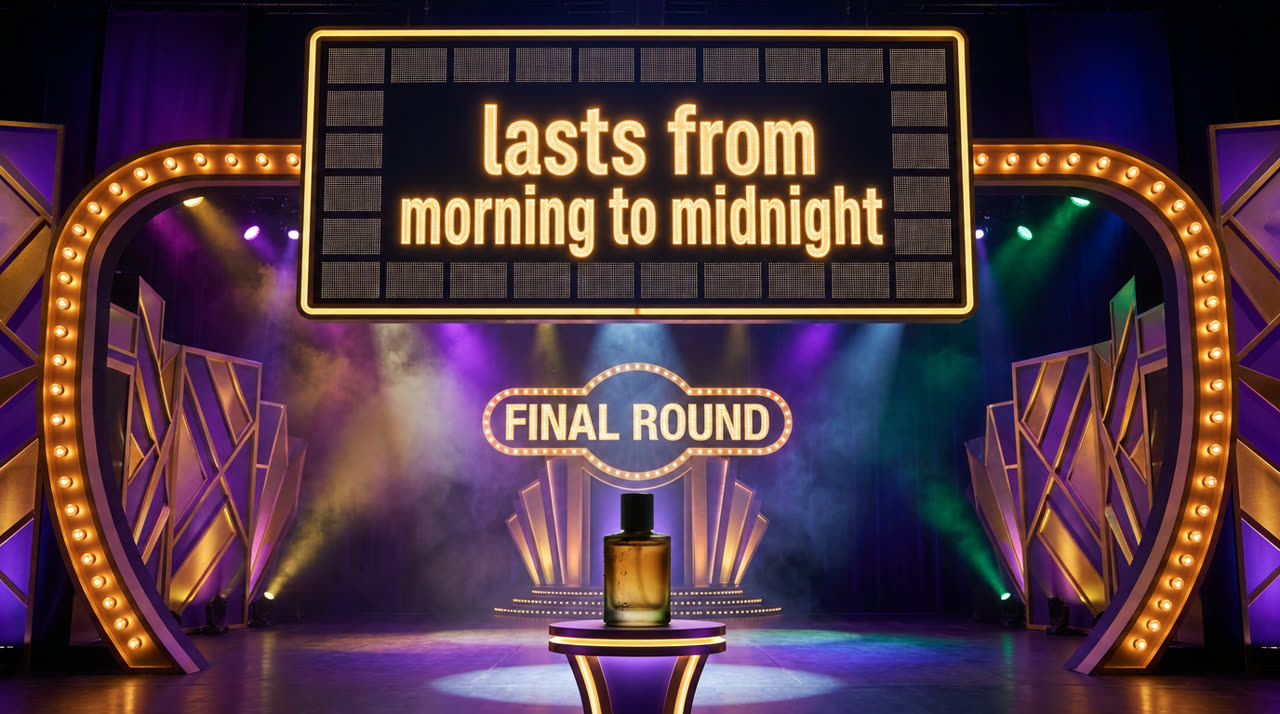
Try it →Write the words "lasts from morning to midnight" in bold glowing letters across the blank answer board, inside the board and well above the product. Keep the product and the stage exactly the same. No other words.
Change the season
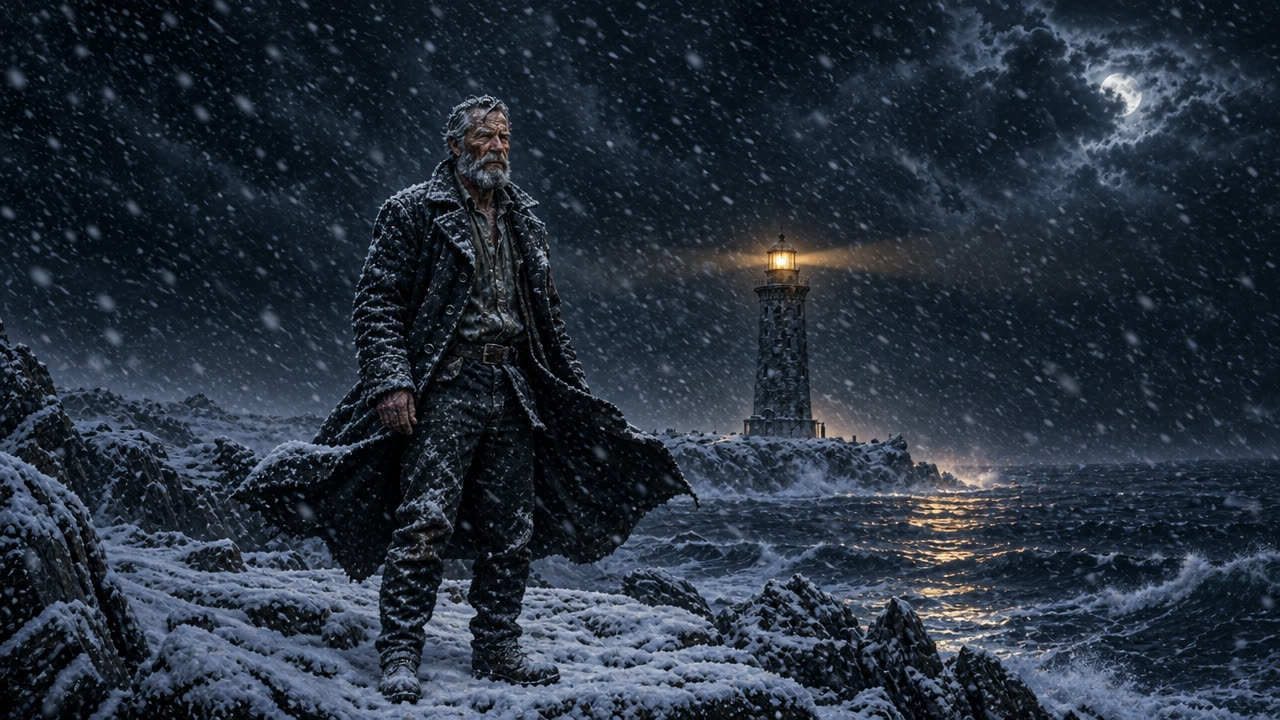
Try it →Make it a snowy winter night
Short works for edits. It changes the season and keeps the people where they are.
Illustrated scene
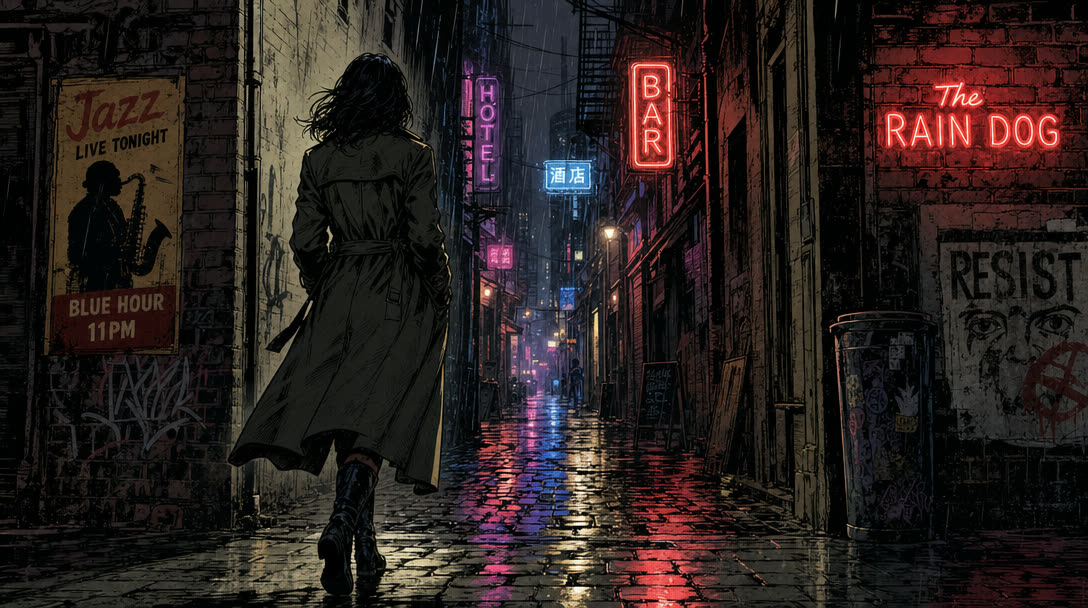
Try it →graphic-novel painterly style, bold inked linework, a lone woman in a long coat at the mouth of a rainy neon-lit alley at night, seen from behind, one boot forward mid-stride on wet cobblestones
Questions
Which AI can add text to an image?
GPT Image 2 Edit is the one our own recipes use to add titles and taglines. Tell it where the words go and add "no other words".
What is the difference between GPT Image 2.5 Flare and Sunburst?
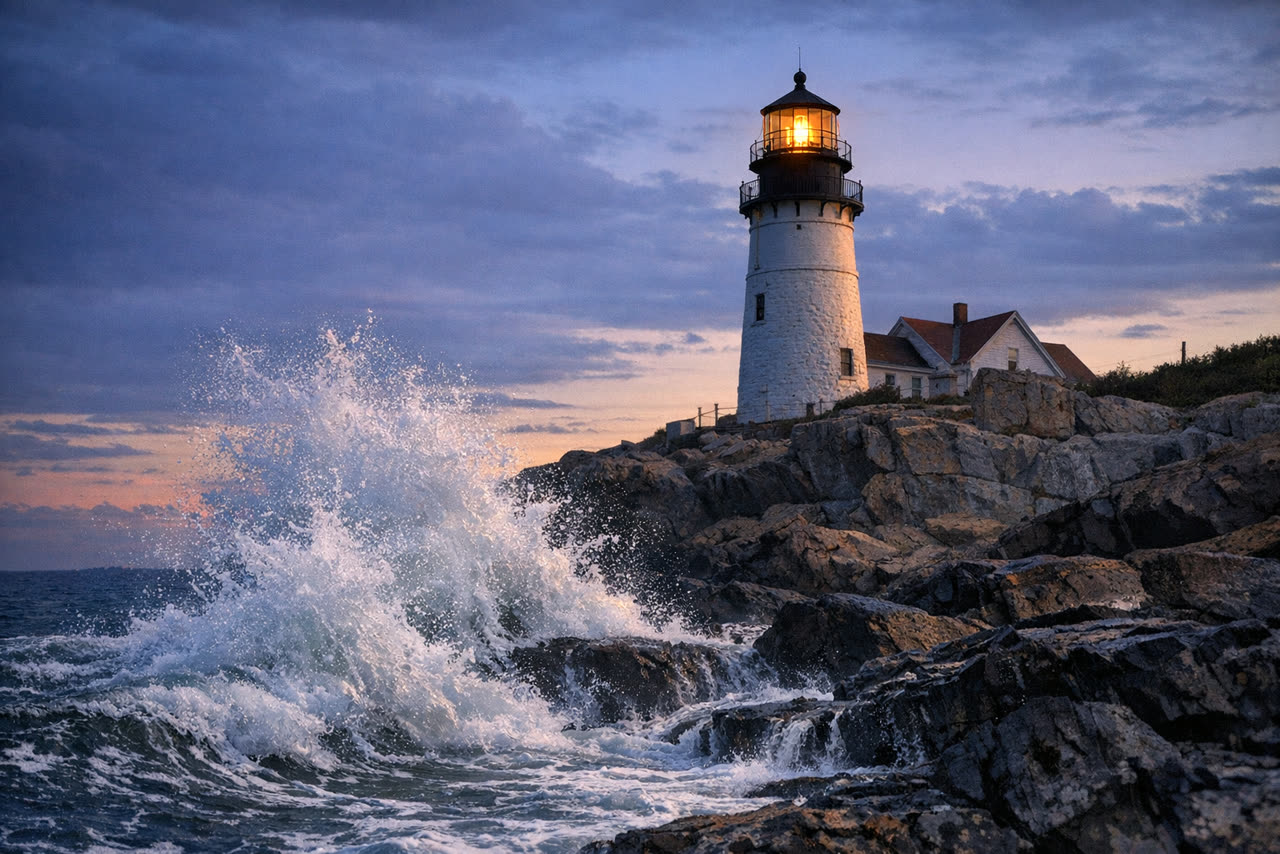
Flare is OpenAI's everyday GPT Image 2.5. Sunburst is the top-fidelity version. In our lighthouse test the two gave almost the same picture.
Will a GPT Image edit change the rest of my picture?
It is built to change what you ask for and keep the rest. Say what must stay the same, and check faces and small text in the result.
Run these for real
Every model in this guide is live in solorender. Credits never expire.
Open GPT Image 2.5 Flare →