Crisp Upscale: an AI image upscaler that keeps faces the same
Crisp Upscale enlarges a picture and sharpens it without redrawing it, so faces stay the same person. One click, no prompt.
Real results
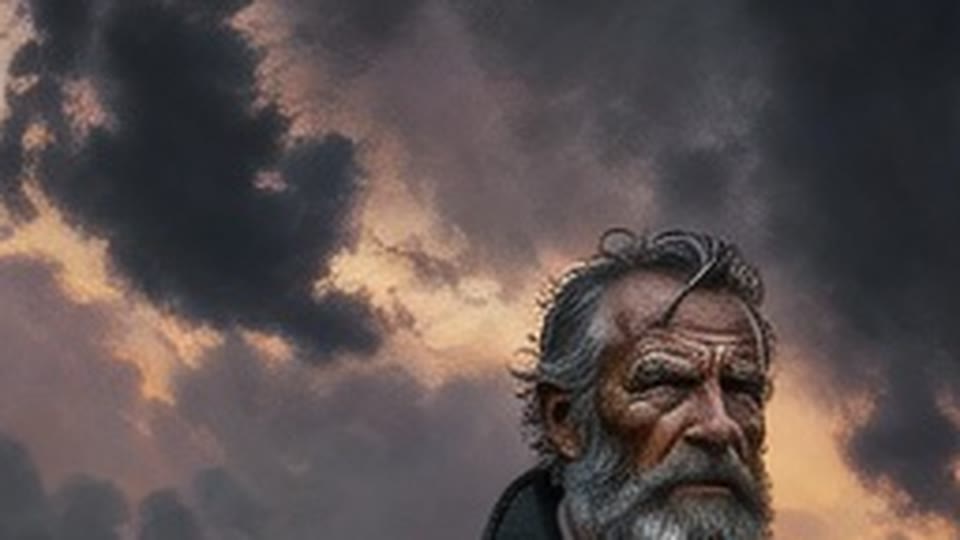
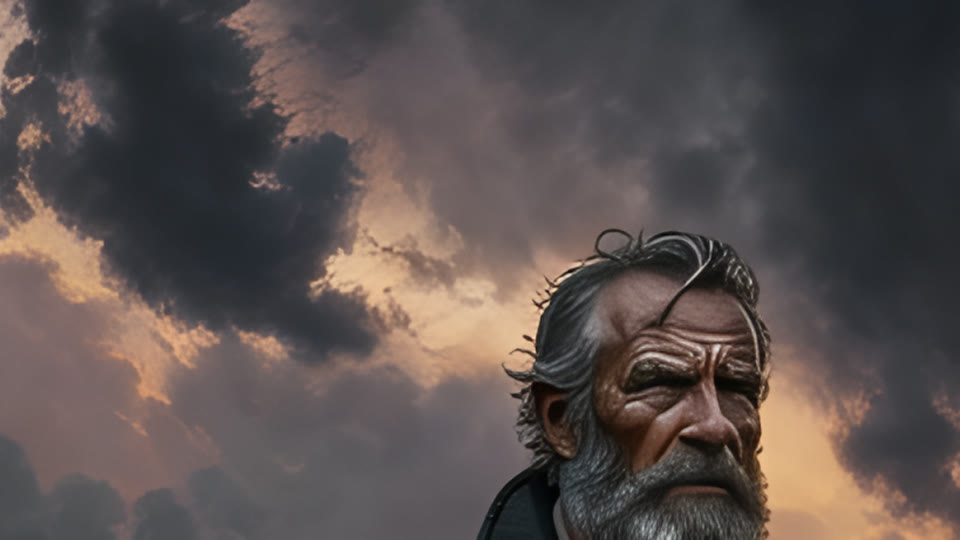
Made in solorender with these models. Nothing retouched.
Best for
- ✓Enlarging a picture before you print it, post it or turn it into a clip
- ✓Faces and characters that must stay the same person
- ✓Cheap fixes. It is one of the lowest-priced tools on solorender
- ✓Speed: about 8 seconds
Where it struggles
- —It only sharpens what is there. It won't add new detail or fix a wrong hand
- —No settings and no prompt. If you want a new, more detailed picture instead, run the prompt again on a bigger model
How to use it
Open the Edit lane, pick Crisp Upscale and add your picture. Press Generate. There is nothing else to set.
In our upscaler test it was the only one of three that kept the face exactly. See the full test on our upscale, expand and erase comparison.
Questions
Which AI upscaler keeps the face the same?
In our test, Crisp Upscale. It sharpened the portrait without redrawing it.
Do I need to write a prompt?
No. Add the picture and press Generate.
What does it cost?
The price is at the top of this page, read live from our price list.
Run these for real
Every model in this guide is live in solorender. Credits never expire.
Open Crisp Upscale →