AI upscalers compared, plus expand and erase: real results
Three AI upscalers enlarged the same painted portrait. One kept the face, one smoothed it, one drew a new man. Plus a wide picture expanded to a square, and a tram erased from a street.
These are the one-click tools: you give them a picture and they enlarge it, extend it or remove something from it. Most take no prompt at all, so the only question is how much of your picture they keep.
Each tool ran once on the input shown. Nothing was retried or picked from several tries.
Upscale: enlarge a painted portrait
No prompt needed for this one.
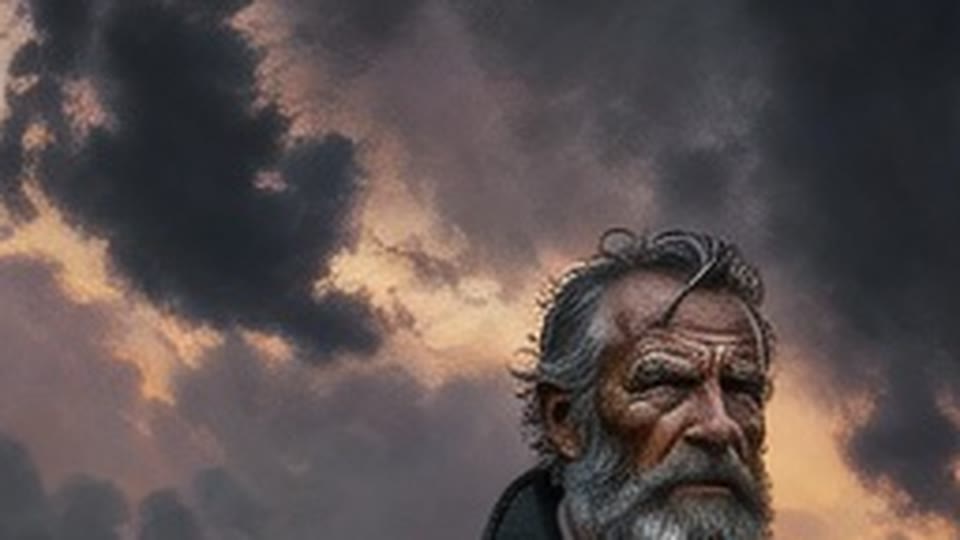
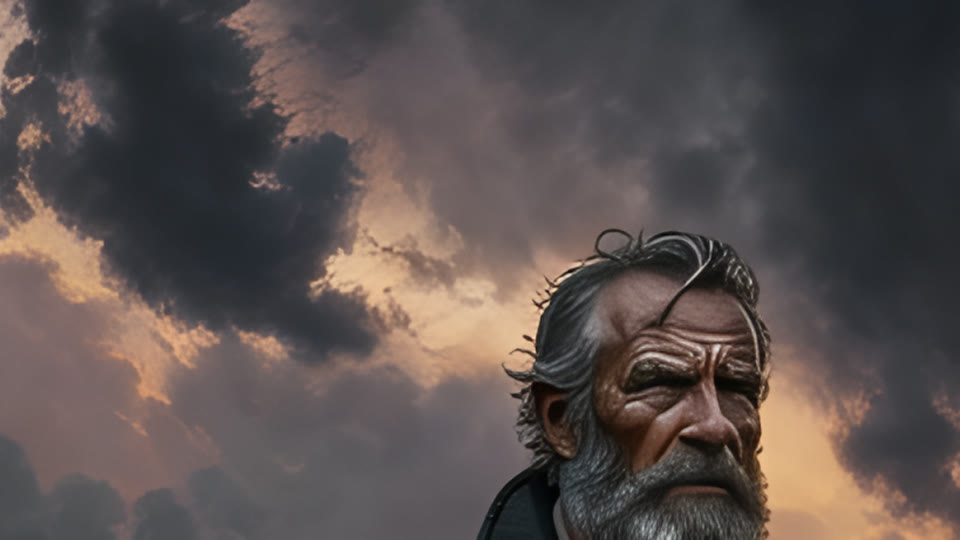
Crisp Upscale
2 credits a pictureThe same face, sharper: deeper wrinkles and crisper hair. Nothing was redrawn. The cheapest of the three.
Try Crisp Upscale →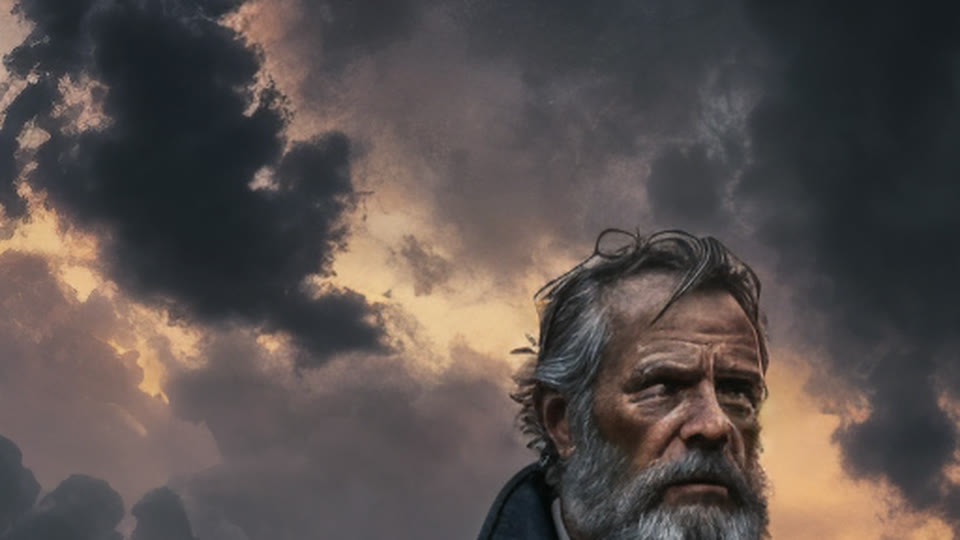
Clarity Upscaler
6 credits per megapixel of resultSmoother skin and a softer, slightly younger face. Close to the original, but not the same man.
Try Clarity Upscaler →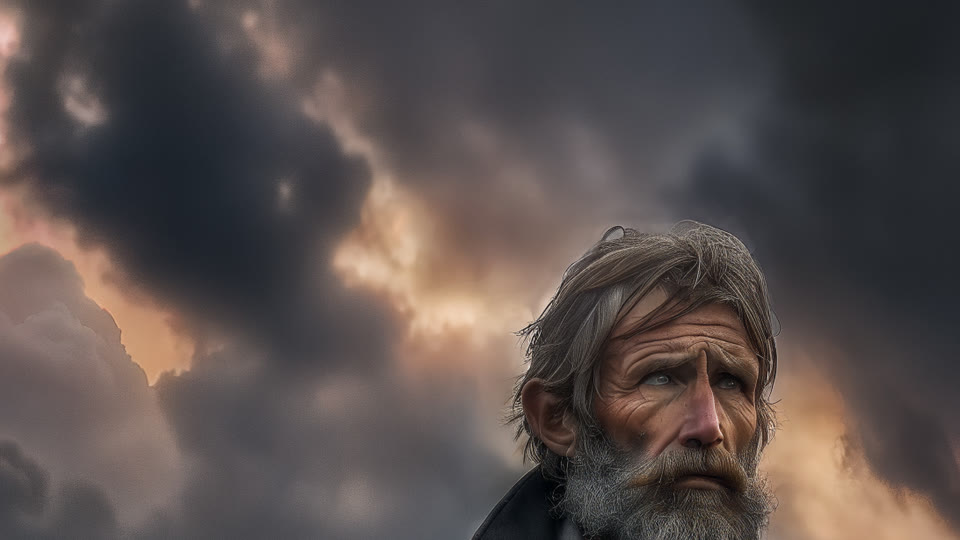
Creative Upscale
50 credits a pictureDrew a new man: different face, blue eyes, lighter hair, and a repainted sky. A new picture, not an enlargement.
Try Creative Upscale →What this test shows
If the picture must stay the same, Crisp Upscale is the one: it sharpened what was there and changed nothing. Clarity adds a polished look but nudges faces. Creative Upscale invents a new picture, so use it only when you don't mind that.
Expand: turn a wide picture into a square
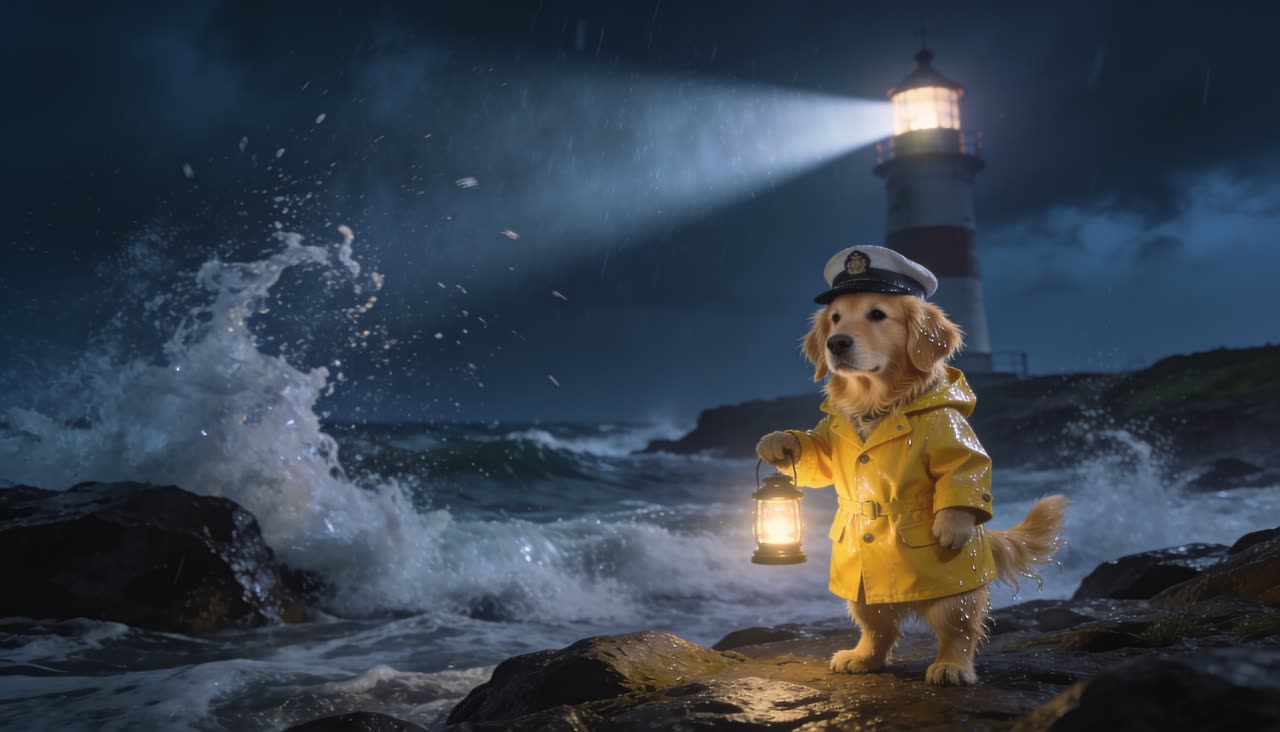
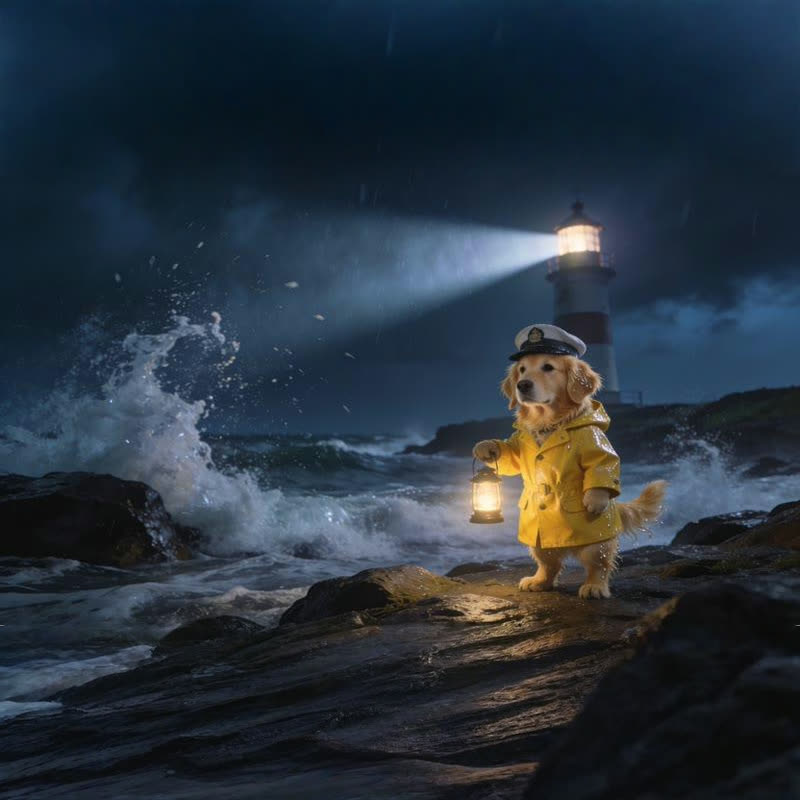
The prompt
more stormy night sky above and crashing waves on dark rocks below
Bria Expand
8 credits a pictureAdded stormy sky above and wet dark rocks below, as asked. The dog, its lantern and the lighthouse are unchanged.
Try Bria Expand →What this test shows
Expand is how you get a square post or a tall story out of a wide picture without cropping anyone out. Say what should fill the new space, or leave the box empty and let it continue the scene.
Erase: remove the tram from a street selfie
No prompt needed for this one.


FLUX Erase
10 credits a pictureThe tram is gone. The rails, cobbles and houses behind it were filled in, and the man is unchanged.
Try FLUX Erase →What this test shows
Paint over what you want gone and FLUX Erase fills the gap with what would be behind it. No prompt needed.
Questions
Which AI upscaler keeps the face the same?
In our test, Crisp Upscale. It sharpened the portrait without redrawing it. Clarity smoothed the face a little, and Creative Upscale drew a different man.
How is the Clarity Upscaler priced?
By the size of the result: a set number of credits for each megapixel of the enlarged picture, shown on its price tag above. A 1280 × 720 picture comes back at 2560 × 1440, about 3.7 megapixels.
Can AI make a picture wider or taller?
Yes. Bria Expand adds new picture around the edges to reach the shape you pick, such as a square or a tall story, and keeps the original in the middle.
How do I remove something from a photo with AI?
Pick FLUX Erase, paint over the thing you want gone, and run it. It fills the space with what would be behind it.
Run these yourself
Every model on this page is live in solorender, on one set of credits that never expire.
See pricing →