AI talking photos and video dialogue compared: listen side by side
Two tools made the same photo talk, one lip-synced a silent clip, and two video models spoke the same lines. Watch with the sound on.
There are two ways to make a character speak. You can make a photo talk, using a voice you made first. Or you can write the line inside a video prompt and let the video model say it.
Every clip below ran once, and the clip it returned is the one shown. We listened to all of them, and every spoken word matches its script.
Talking photo: one photo, a typed script
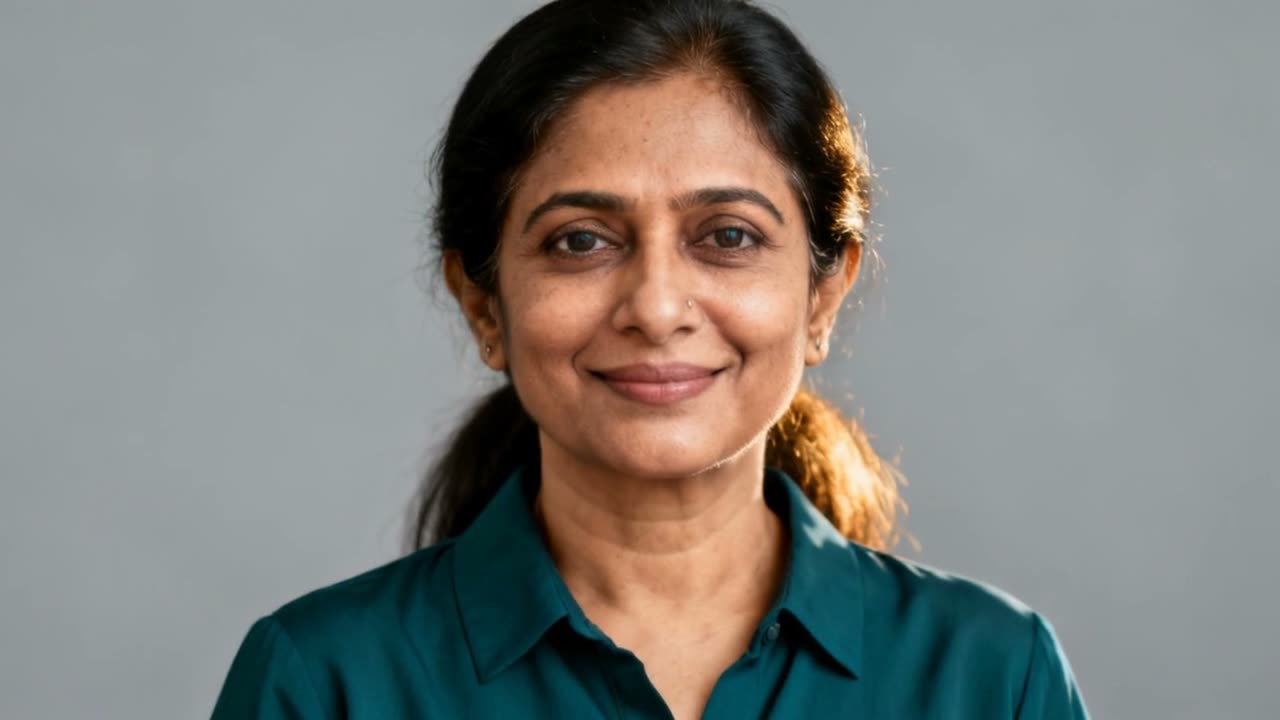
Each tool got the photo below and a voice made from a typed script with ElevenLabs. The script is under each clip.

VEED Fabric
100 credits for 5 secSays: "Hi, I'm testing solorender's new talking photo feature. Every top AI model, one studio." Made at 480p.
Try VEED Fabric →OmniHuman
120 credits for 5 secSays: "Welcome to solorender. This is OmniHuman making a still photo speak from a typed script." She smiles and moves her head as she talks.
Try OmniHuman →What this test shows
Both kept her face and matched her lips to the voice. Compare the prices on the cards and pick the look you like.
Lip sync: give a silent clip a voice
VEED Lip Sync got the silent clip below and a voice made with Kokoro. It changes only the mouth.
VEED Lip Sync
10 credits for 5 secSays: "Hey everyone, welcome back. Let's get into today's episode." Her head moves just as in the silent clip. Only the mouth changed.
Try VEED Lip Sync →What this test shows
Lip sync is the tool when you already have a clip you like. It keeps every movement and only makes the mouth match the words.
A line spoken inside a video: the street vendor
The prompt
A street vendor in a rainy night market looks up from his stall and says warmly, "Last bowl of the night, friend." Rain patters on the canvas awning, a wok sizzles.
Kling 2.6 Pro
175 credits for 5 secSays the line in a close shot under an umbrella in the rain. Its prompt also asked for distant chatter.
Try Kling 2.6 Pro →Grok Video 1.5 Lite
38 credits for 5 secSays the line in a wider shot of the lantern-lit stall. It also printed the line as a subtitle at the start.
Try Grok Video 1.5 Lite →What this test shows
Both said the line word for word, from text alone. Grok Video 1.5 Lite costs far less per clip. Watch for the subtitle it added.
A line spoken inside a video: the lighthouse keeper
The prompt
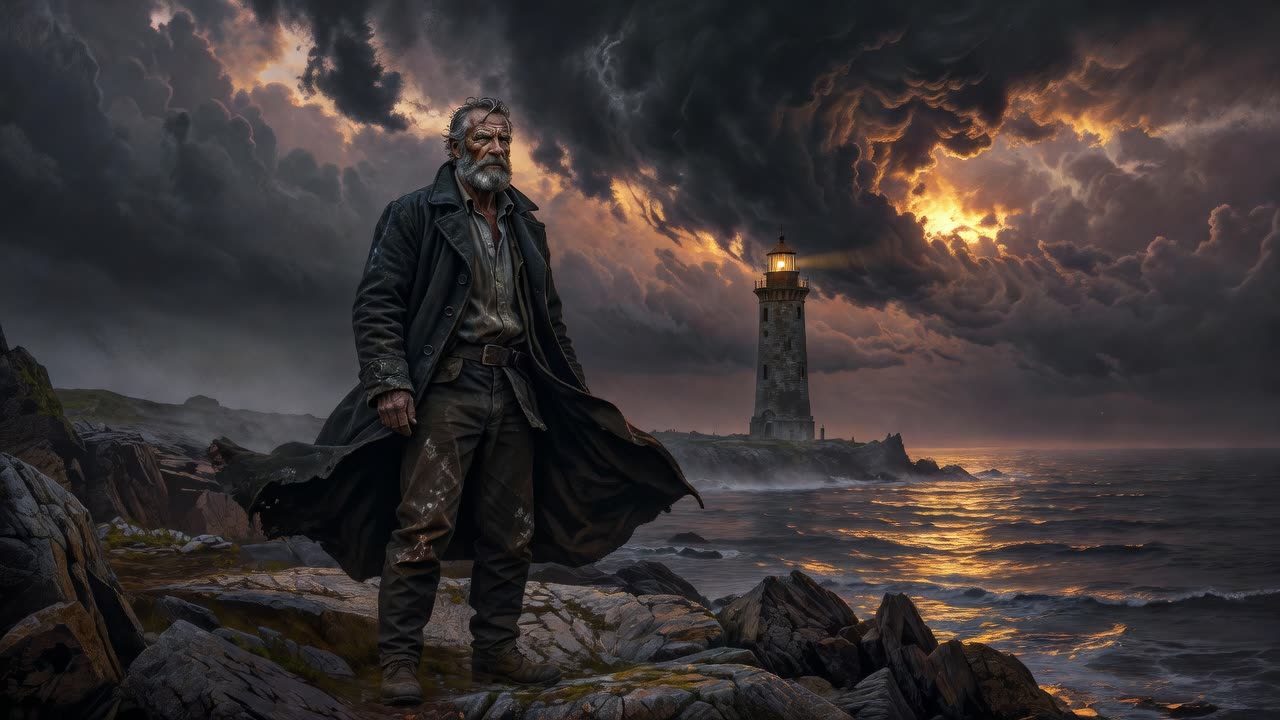
The lighthouse keeper turns toward the sea and says quietly, "She's coming back tonight." Waves crash on the rocks below, wind howls.
Kling 2.6 Pro
175 credits for 5 secSays the line quietly, low under the wind and waves. The quietest clip on this page. Its prompt also asked for "a gravelly voice".
Try Kling 2.6 Pro →Grok Video 1.5 Lite
40 credits for 5 secSays the line clearly over the crashing waves.
Try Grok Video 1.5 Lite →What this test shows
From the same picture, Grok Video 1.5 Lite gave the clearer line, for a fraction of Kling 2.6 Pro's price.
Questions
How do I make a photo talk with AI?
Make a voice from your script first, in the Audio lane. Then give a talking photo tool the photo and the voice. It moves the face and matches the lips to the words.
What is the difference between a talking photo and lip sync?
A talking photo starts from a still picture and adds all the movement. Lip sync starts from a clip you already have and only changes the mouth.
Can AI video models speak a line of dialogue?
Some can. Put the line in quotes in the prompt, as above. Kling 2.6 Pro and Grok Video 1.5 Lite both said every line word for word in our tests.
Run these yourself
Every model on this page is live in solorender, on one set of credits that never expire.
See pricing →